
vGocms
Featured
Free
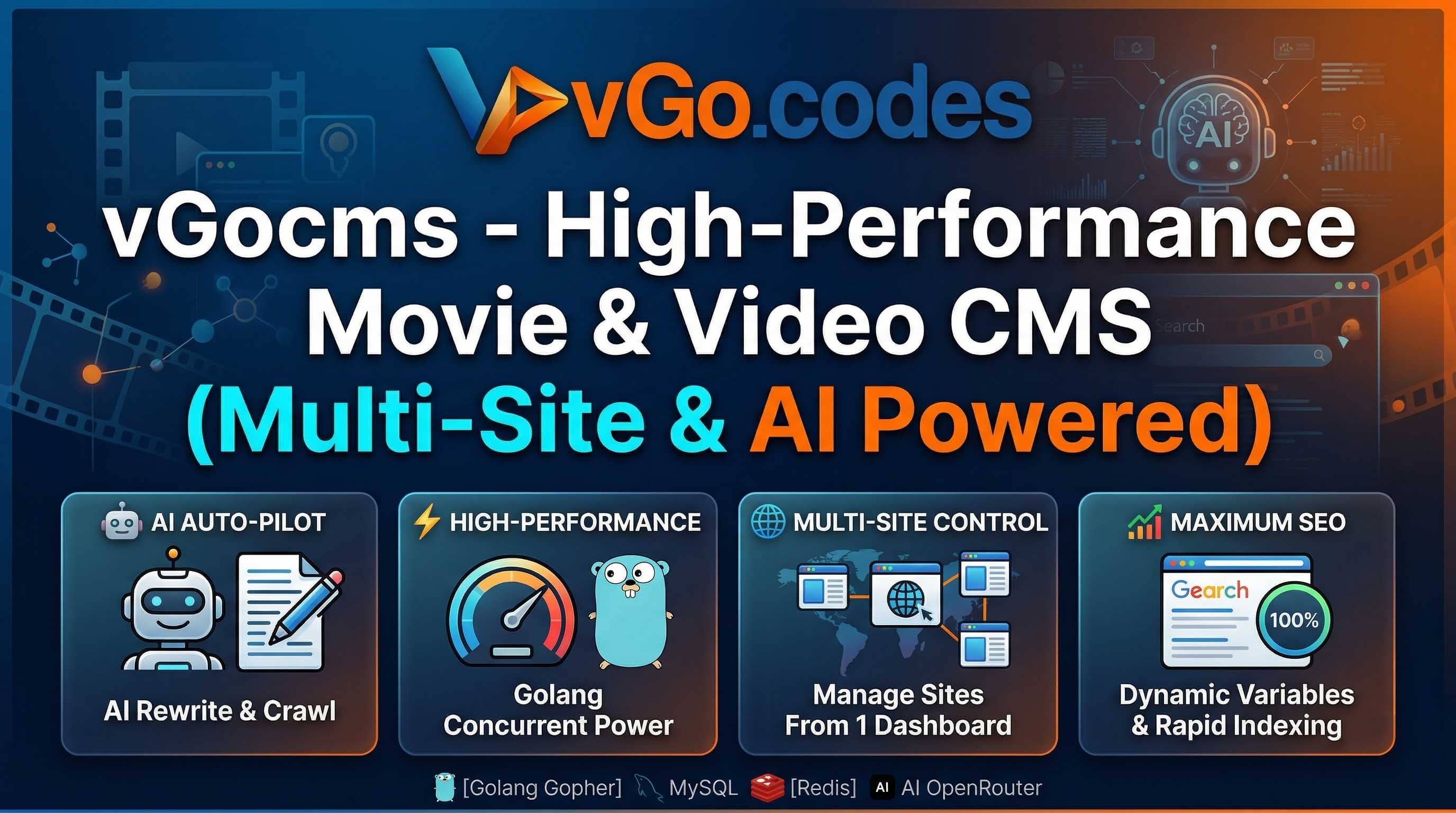
vGocms - High-Performance Movie & Video CMS (Multi-Site & AI Powered)
Admin Dashboard: https://admin.vgo.codes
Username: admin
Password: admin123
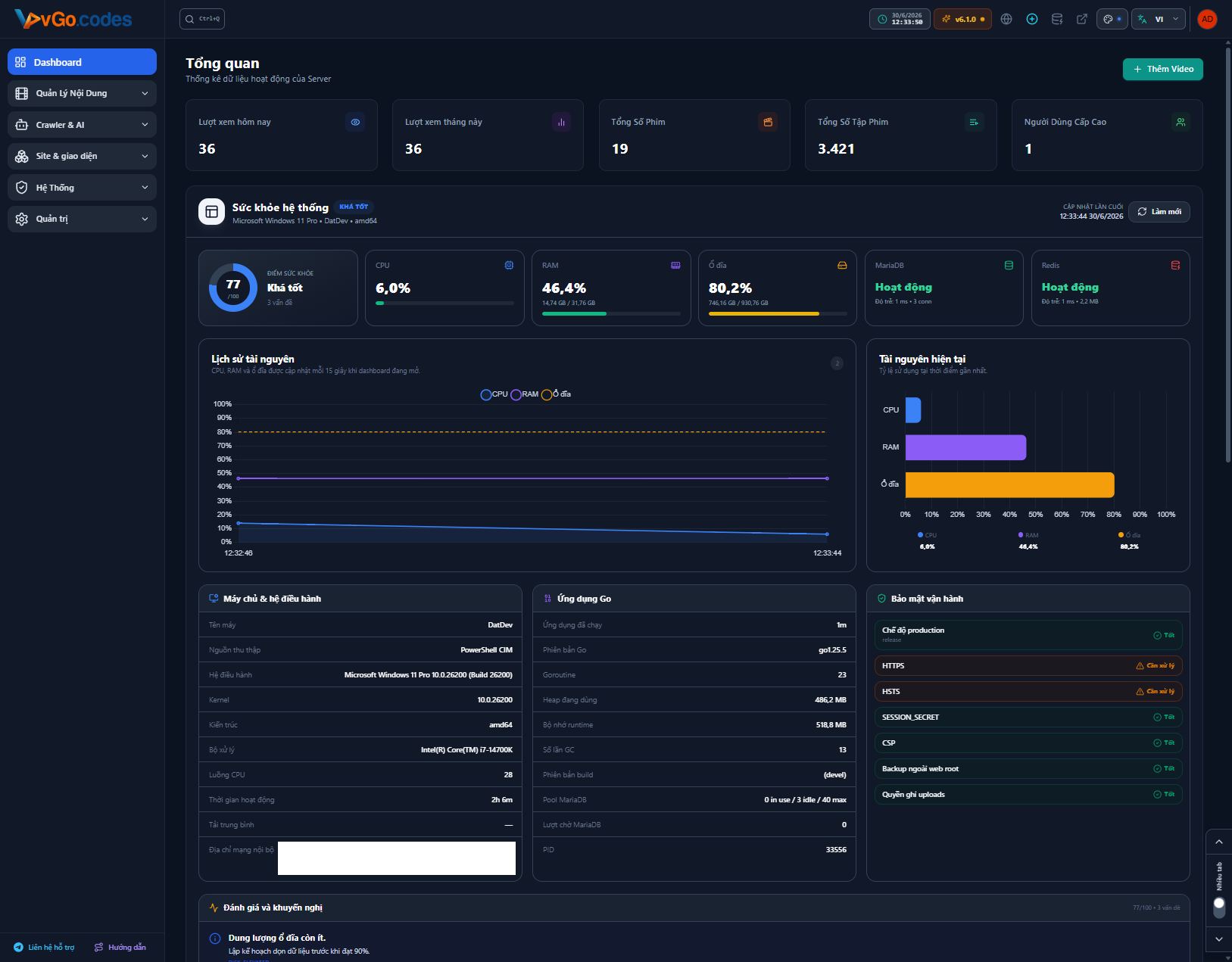
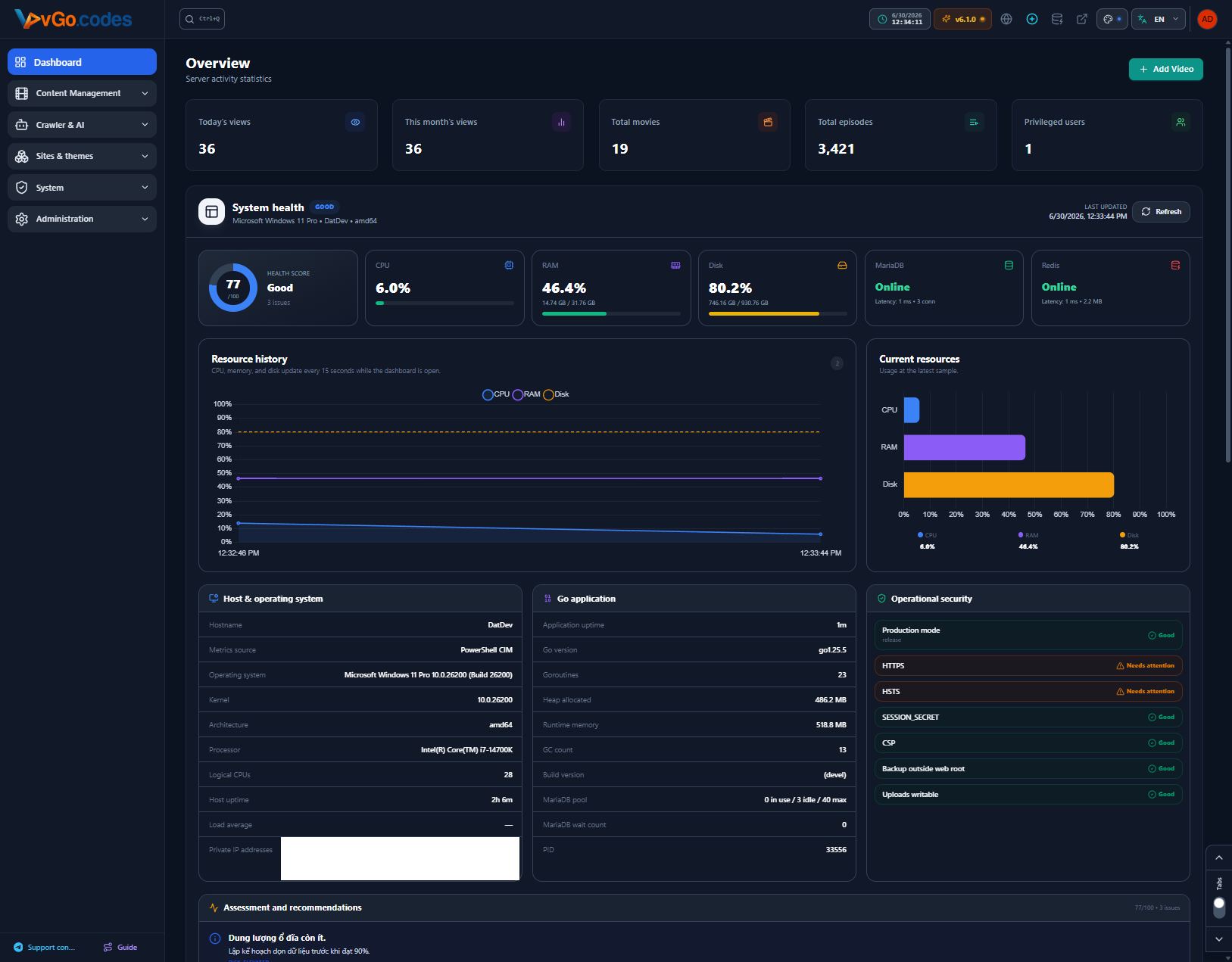
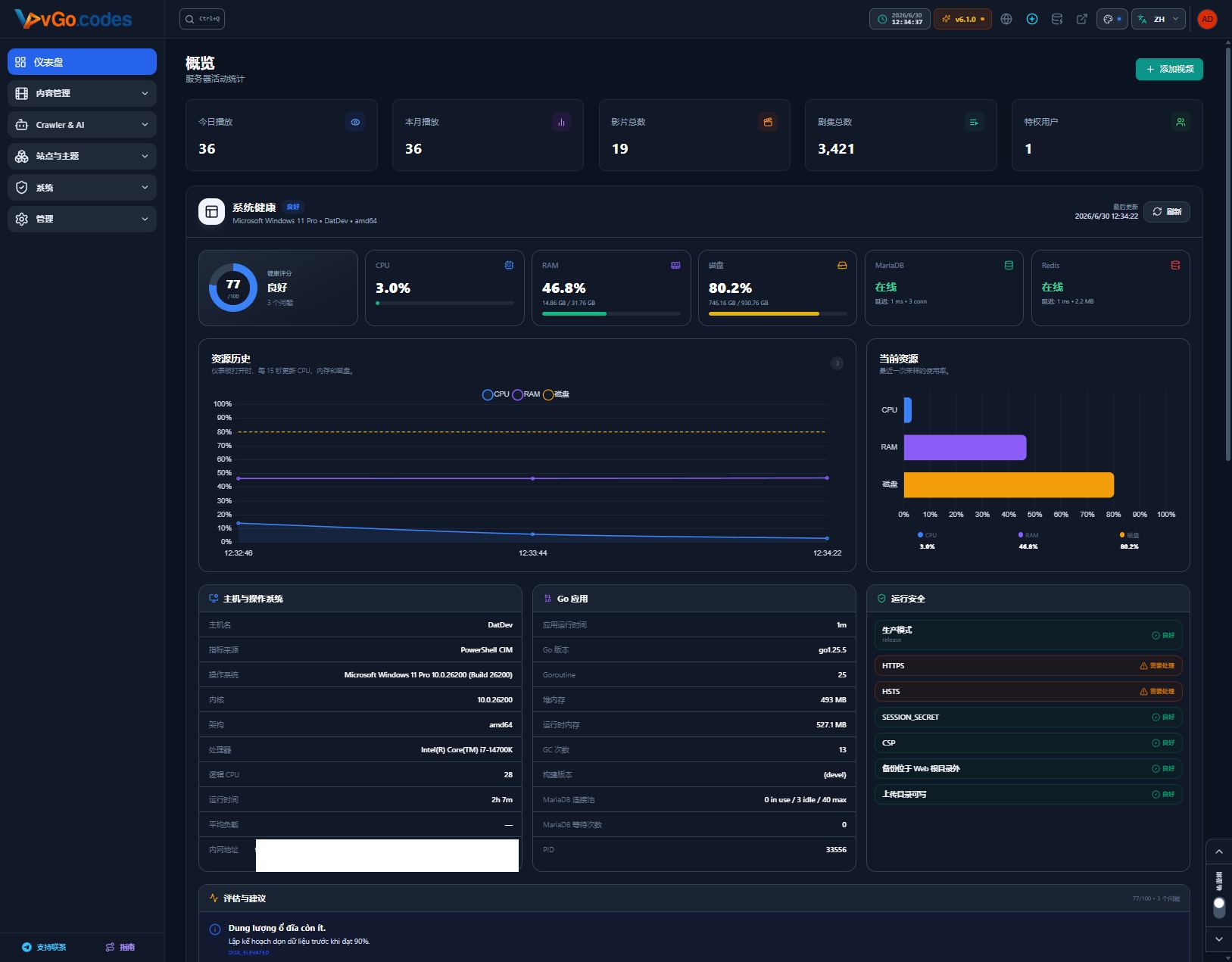
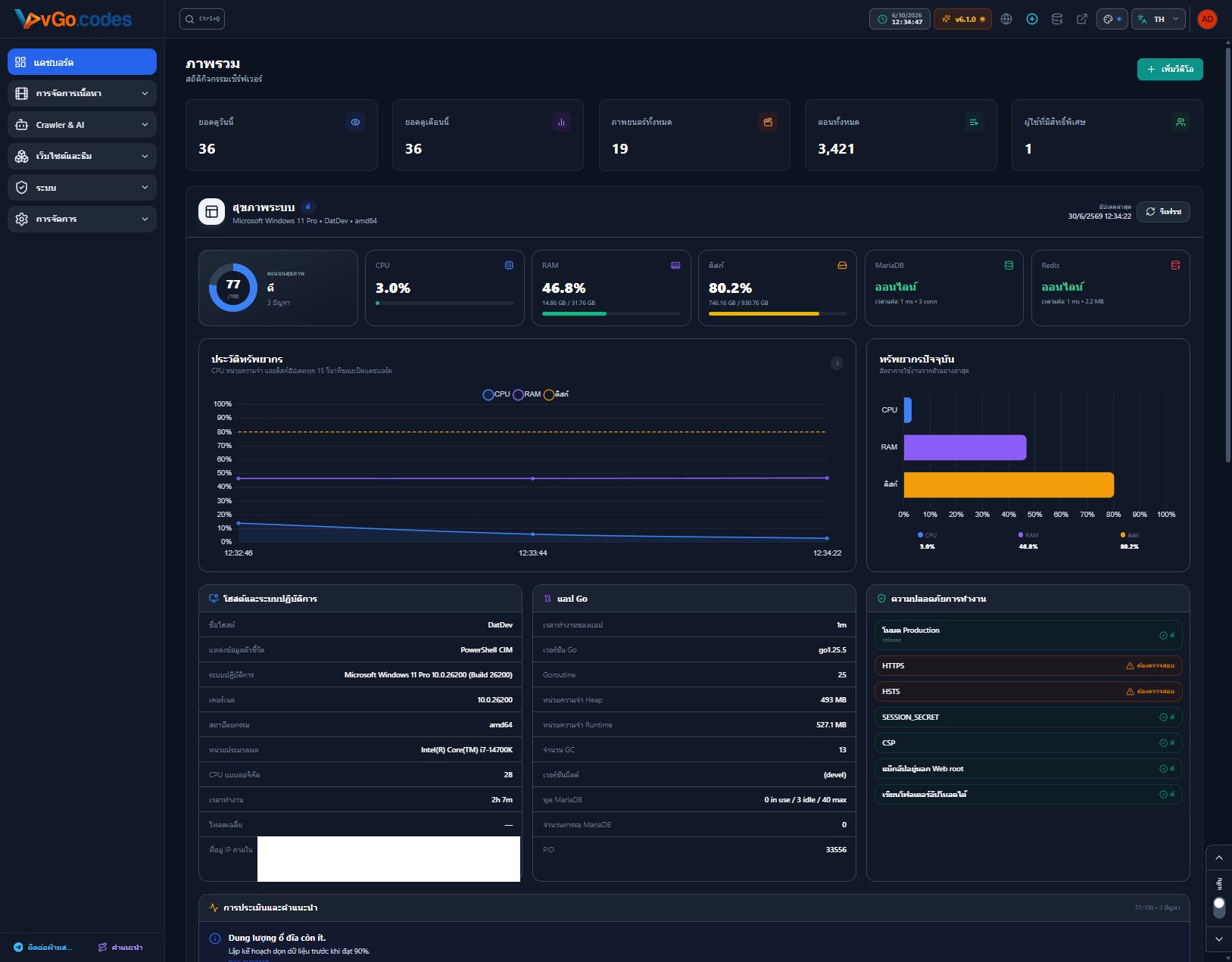
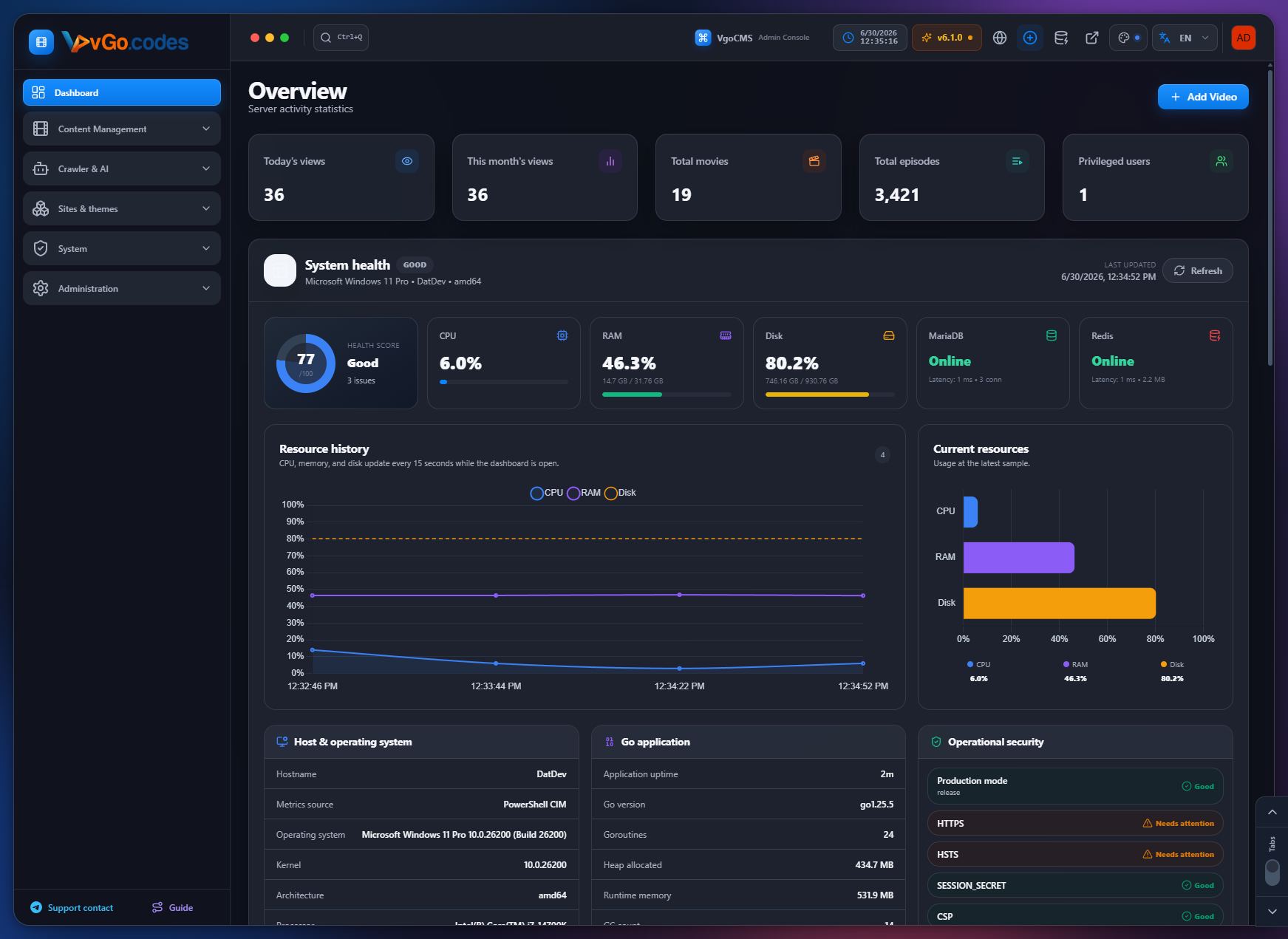
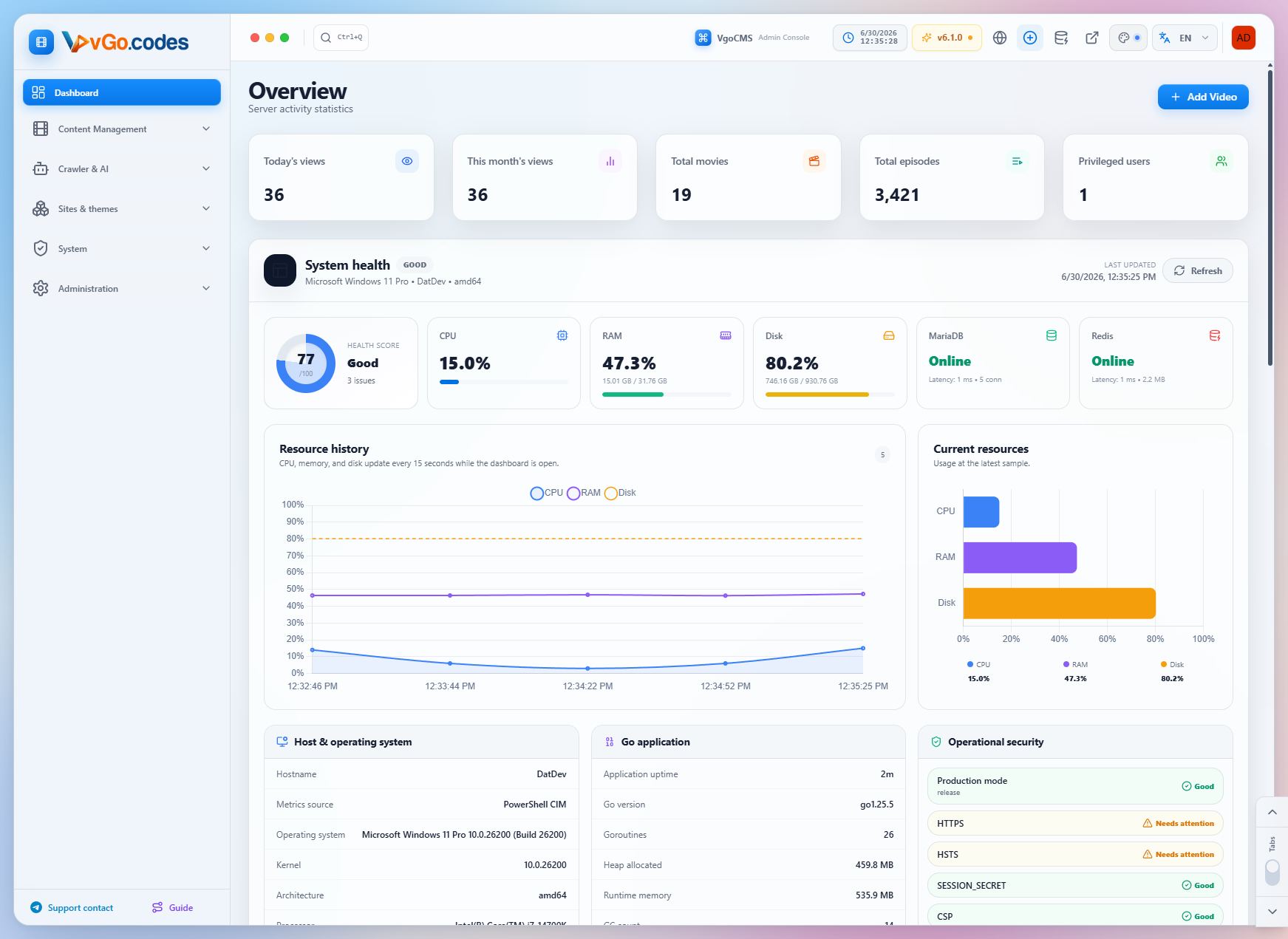
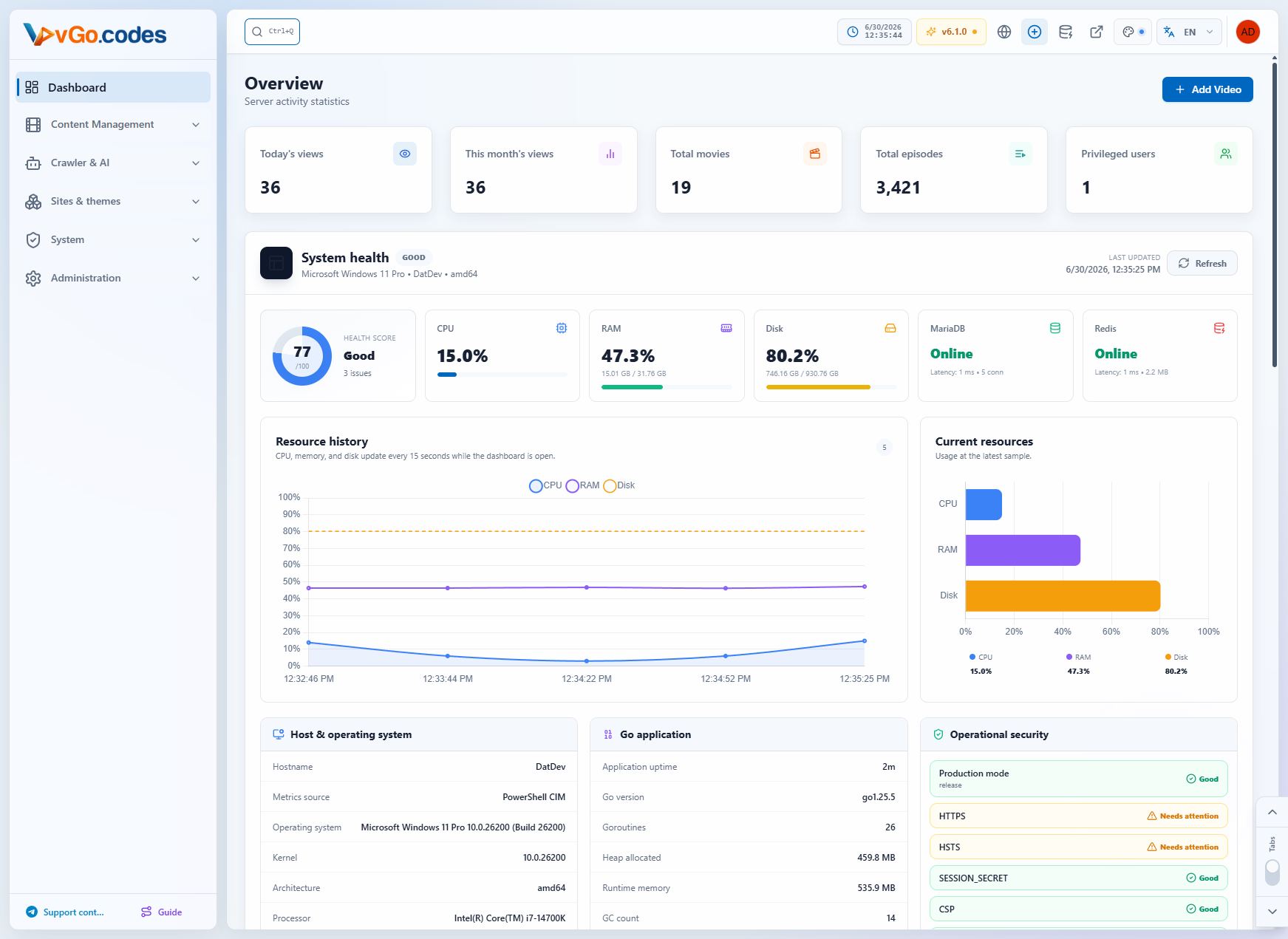
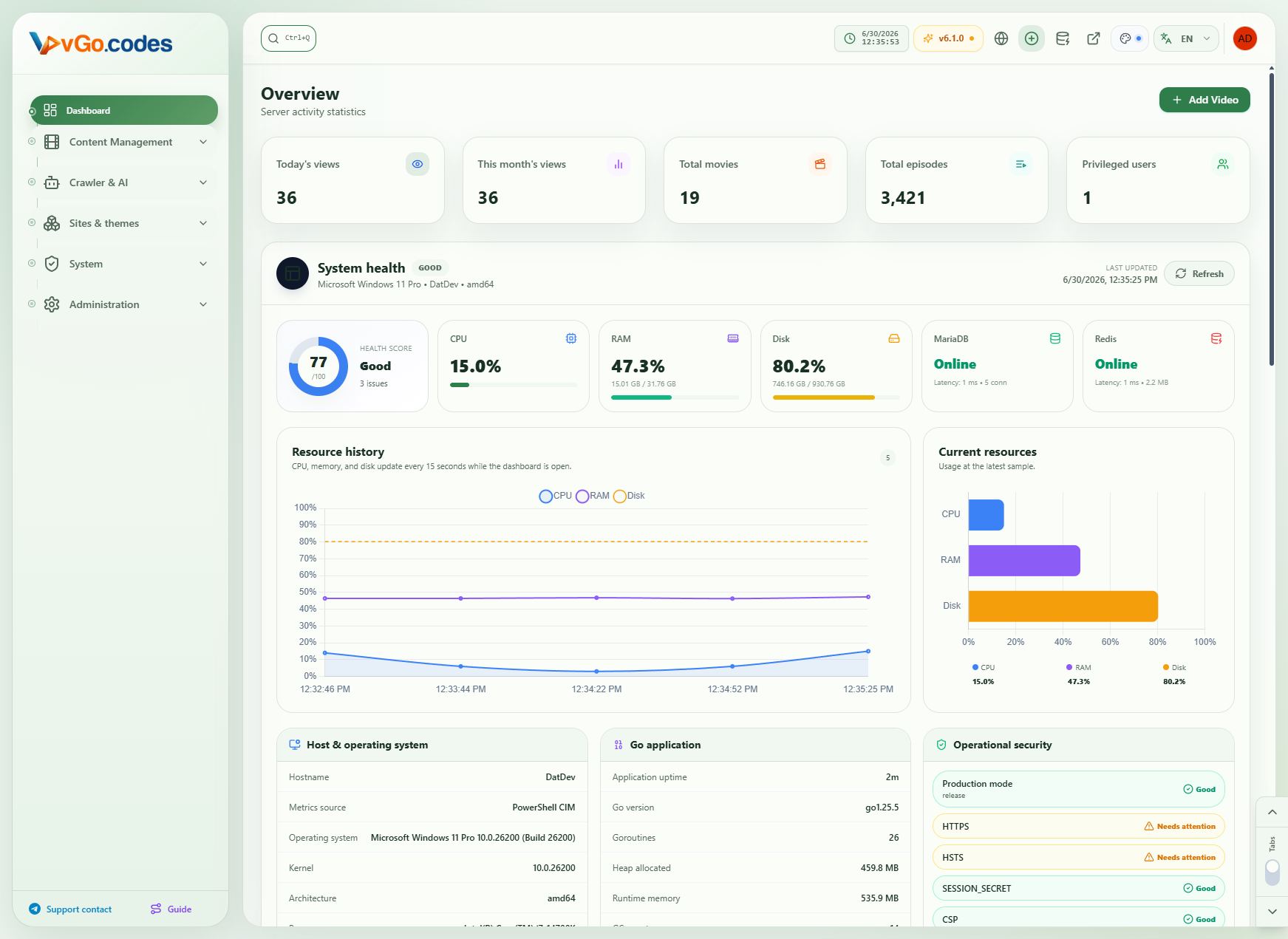
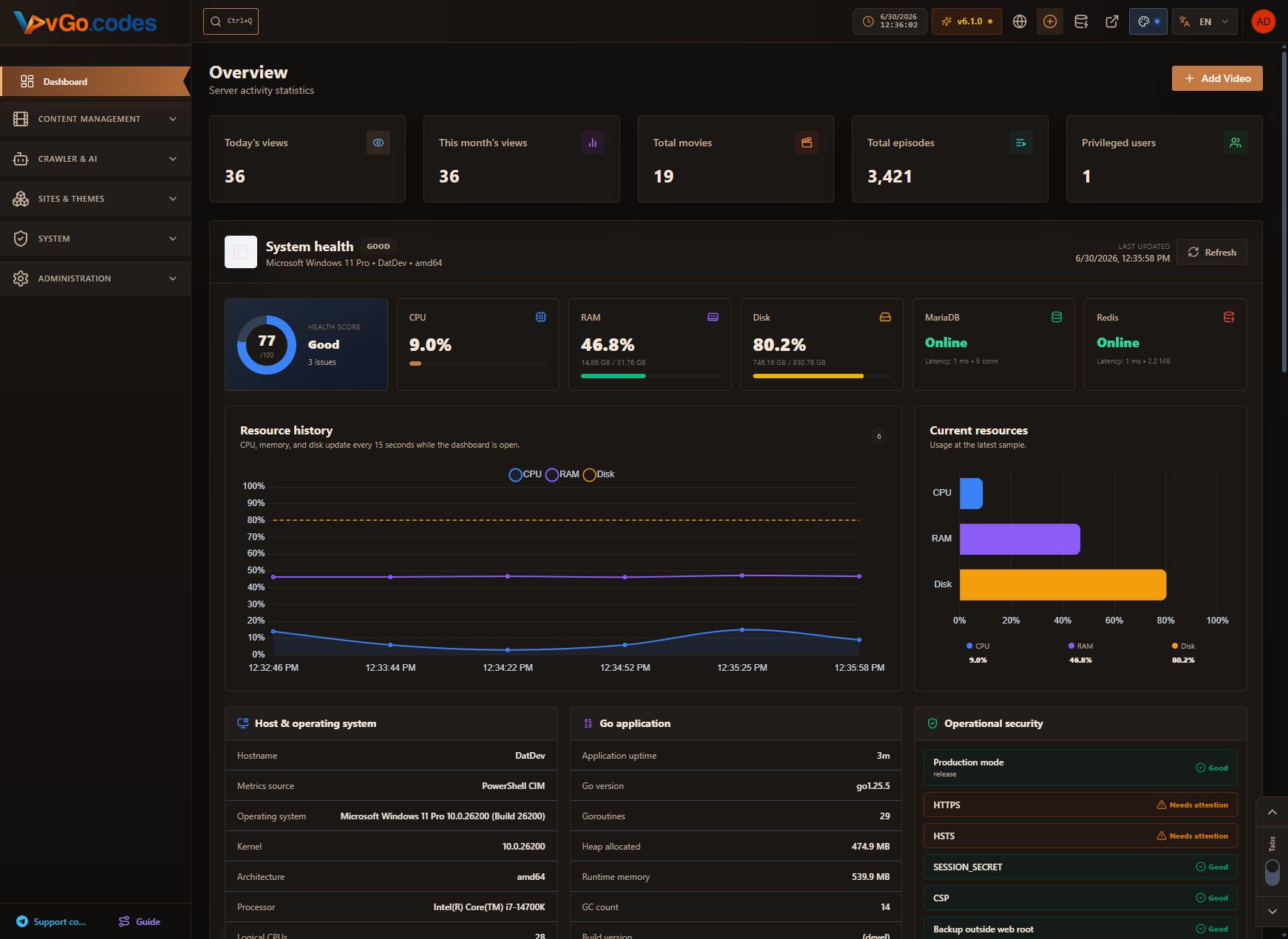
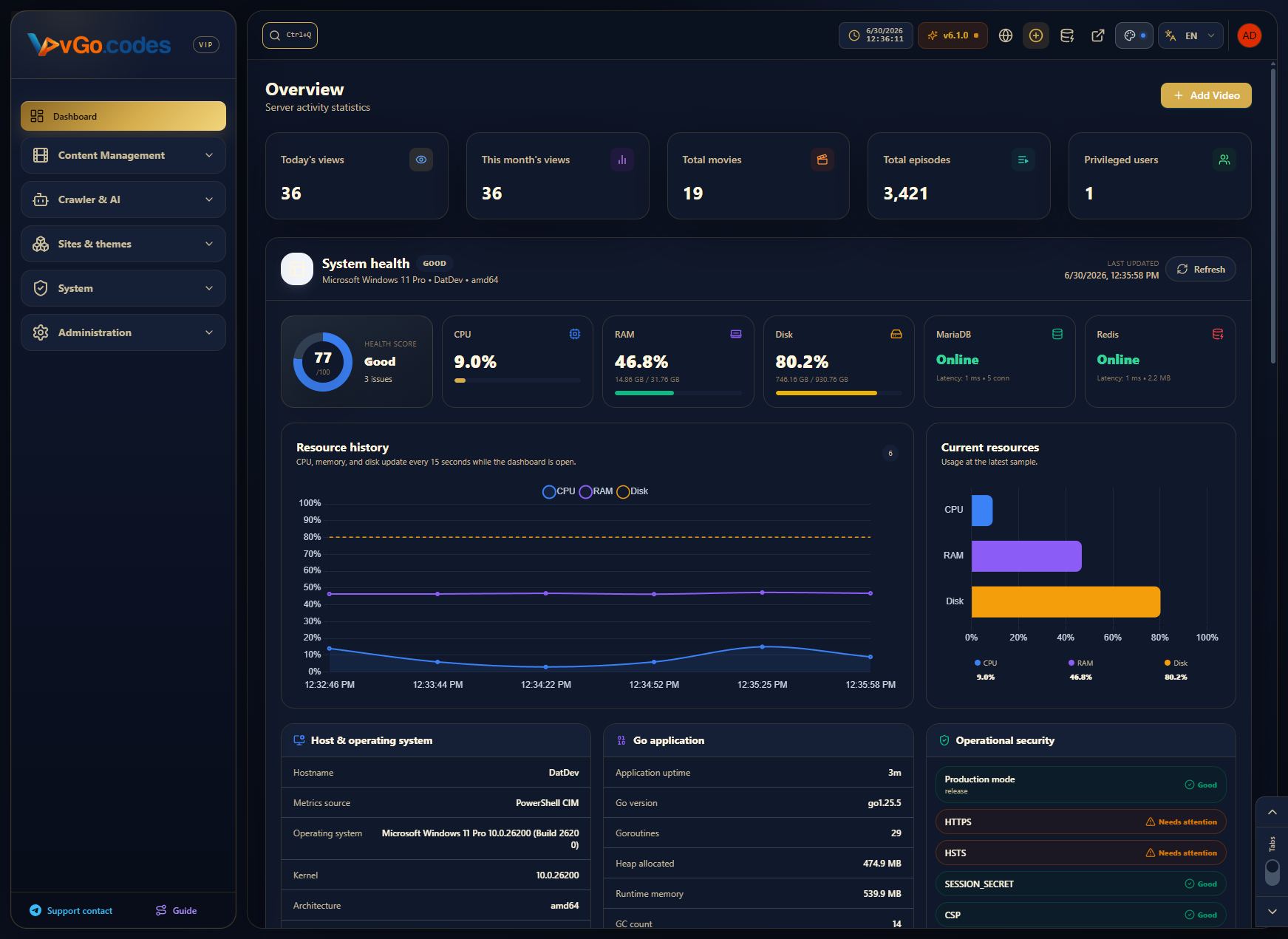
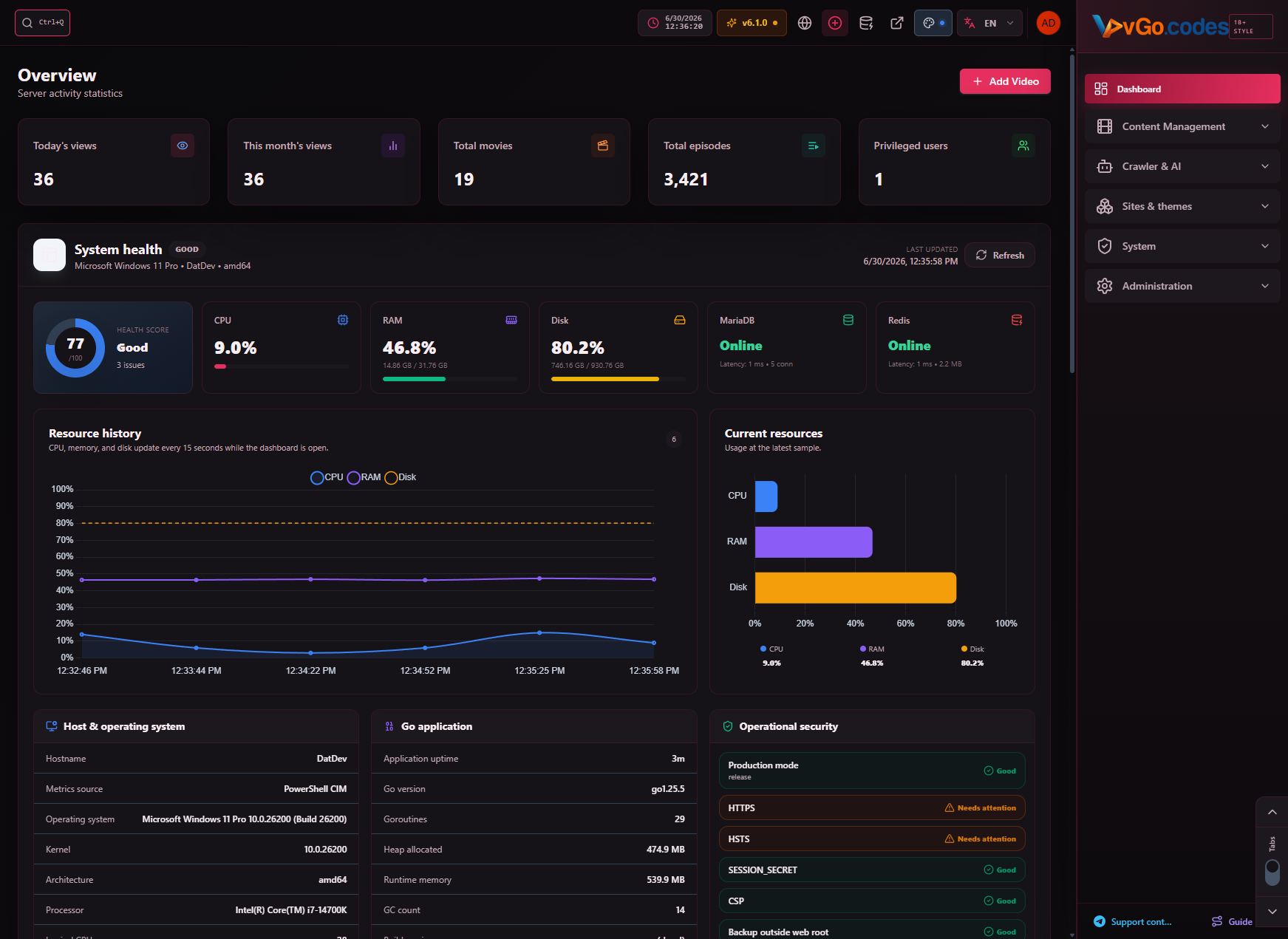
vGoCMS — Full Feature Overview (up to v6.5.0)
This document summarizes every feature shipped in vGoCMS from v1.0.0 through v6.5.0, organized by admin menu section.
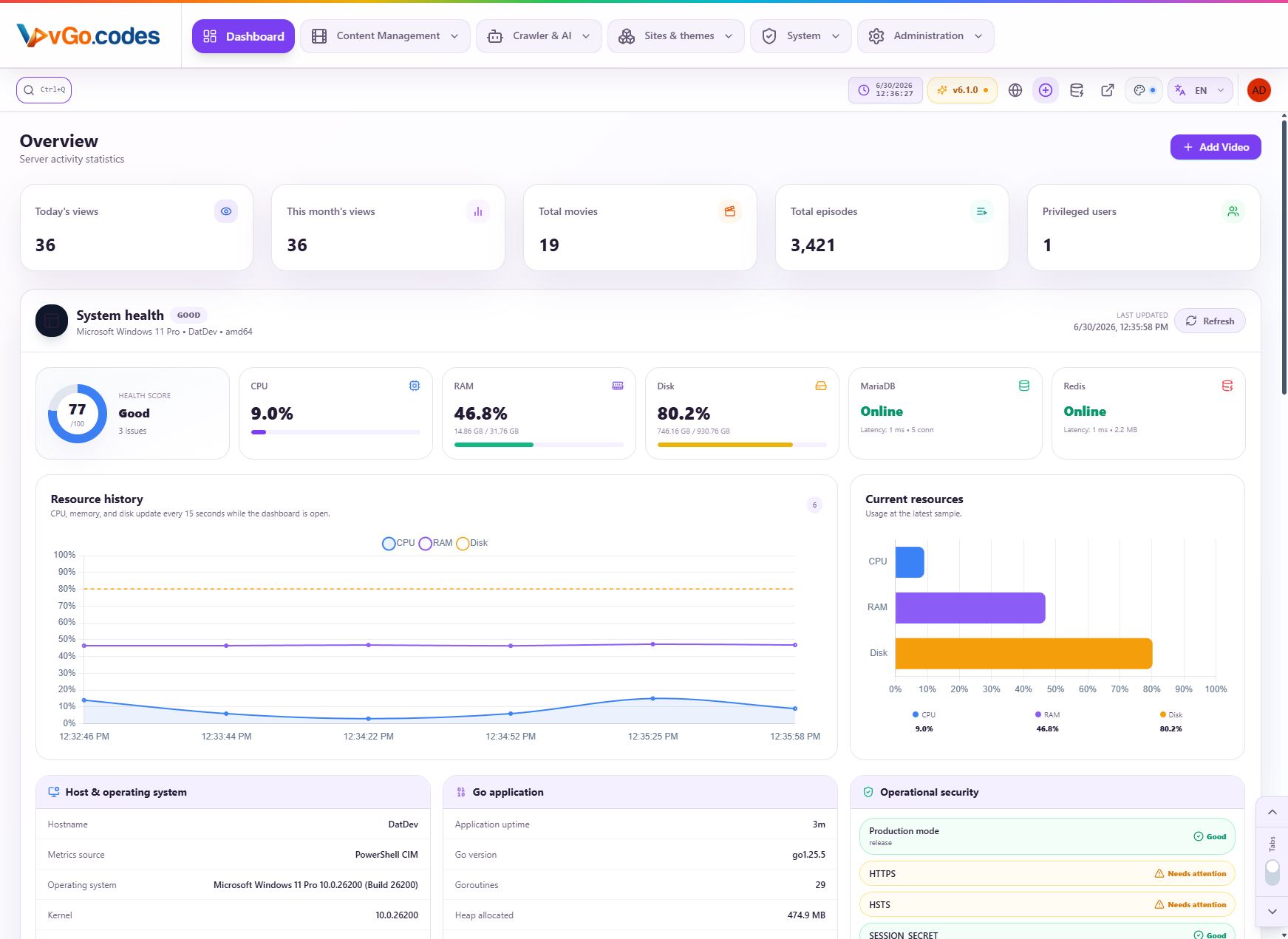
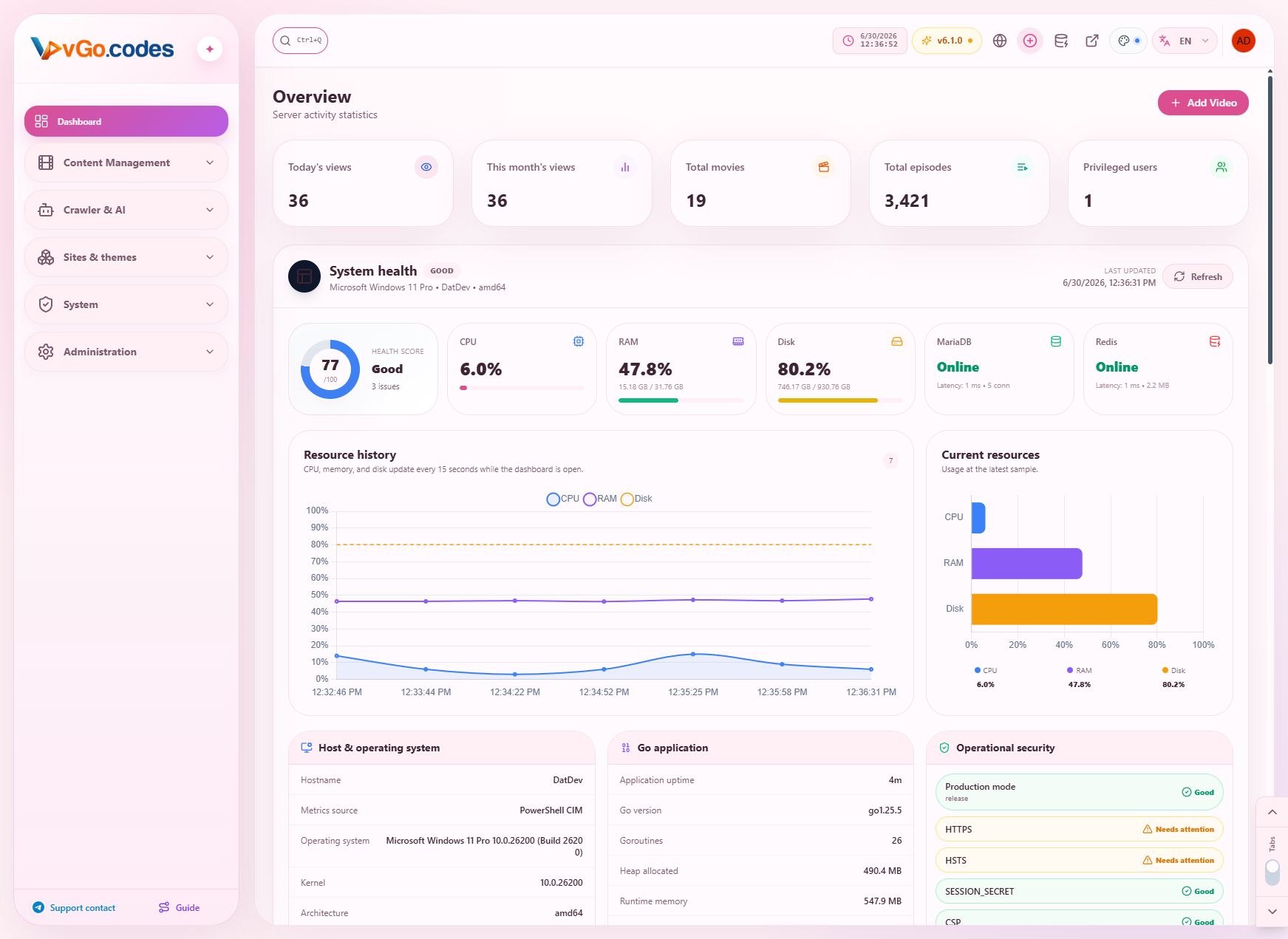
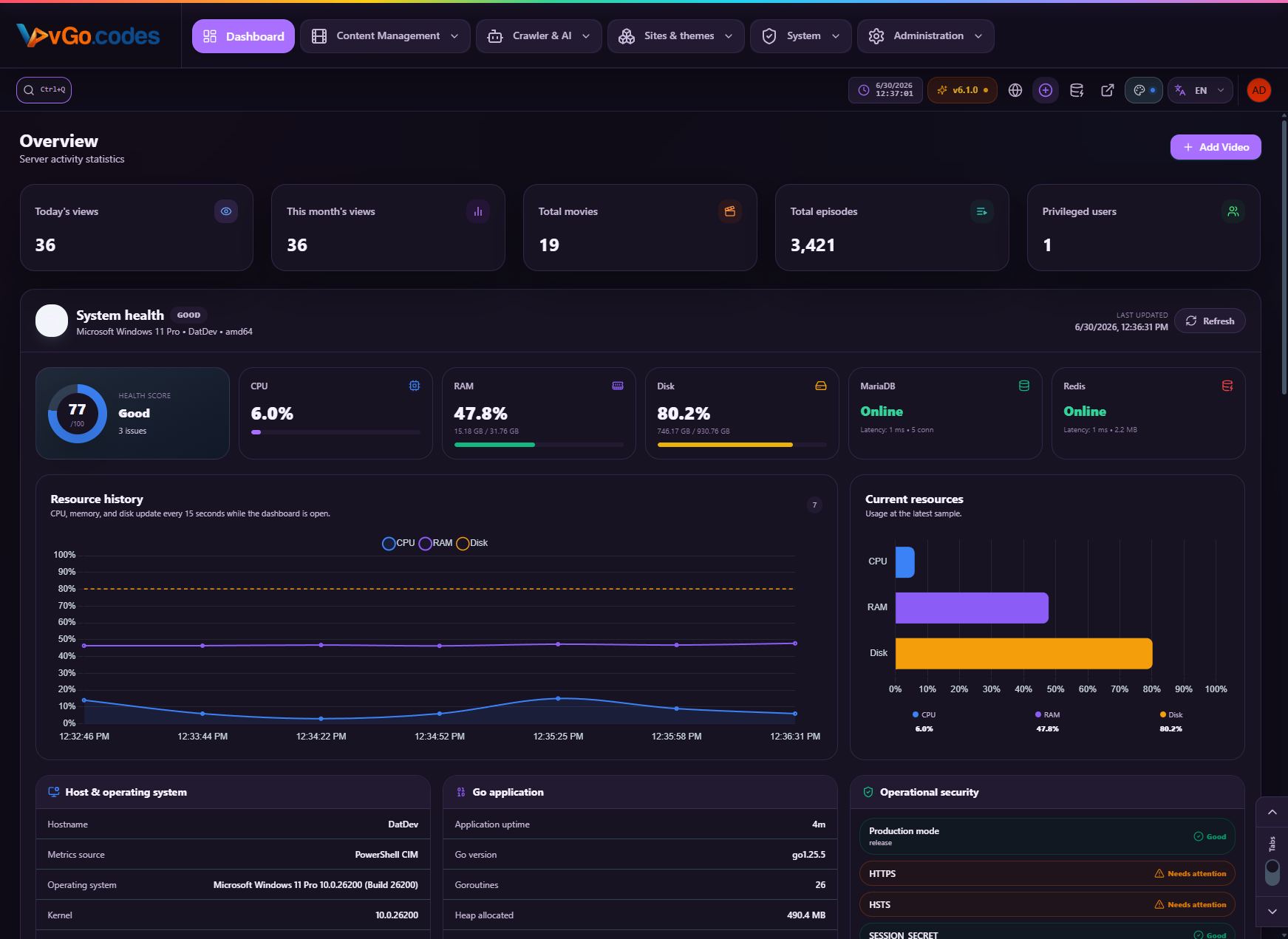
1. Dashboard
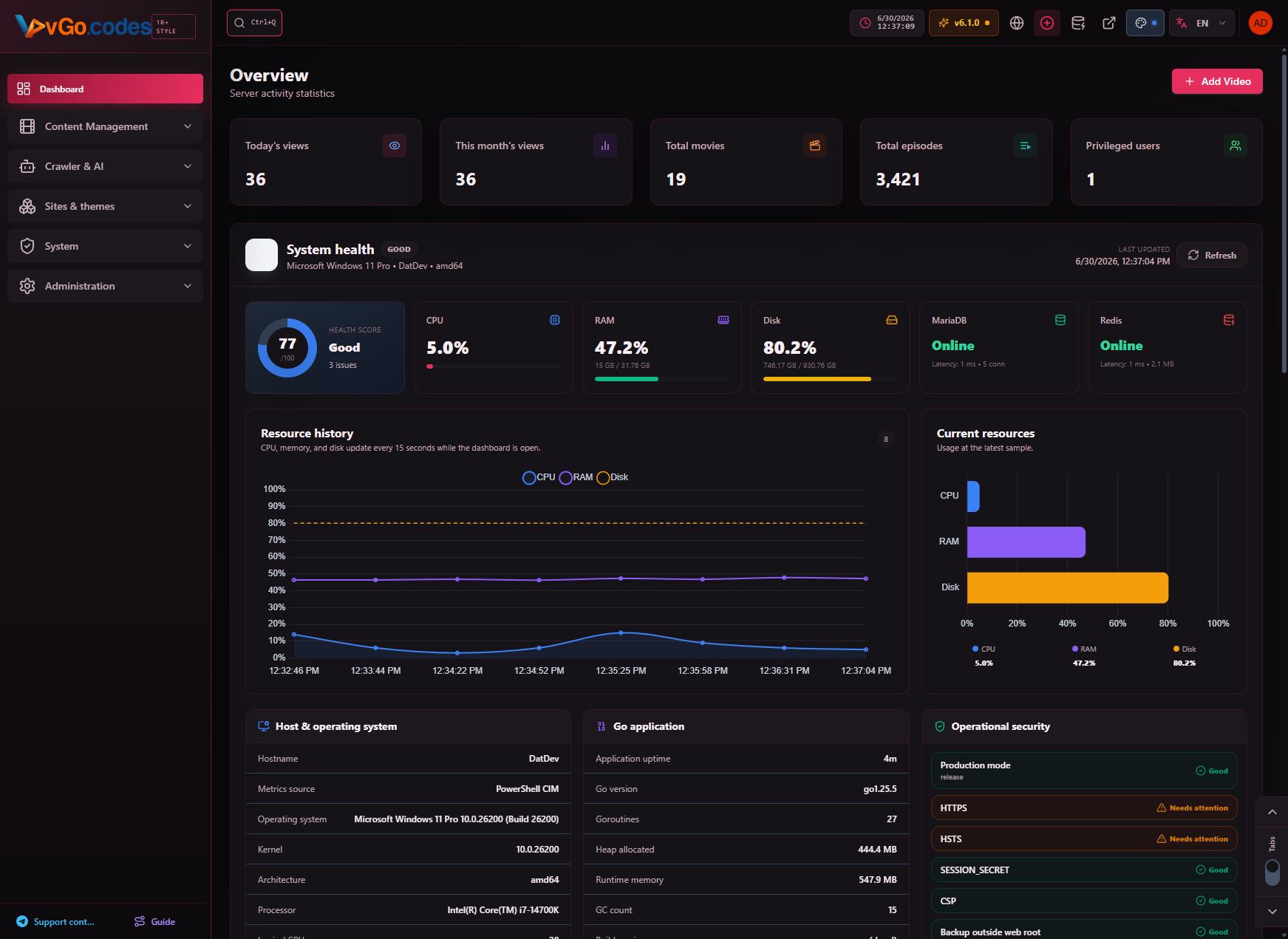
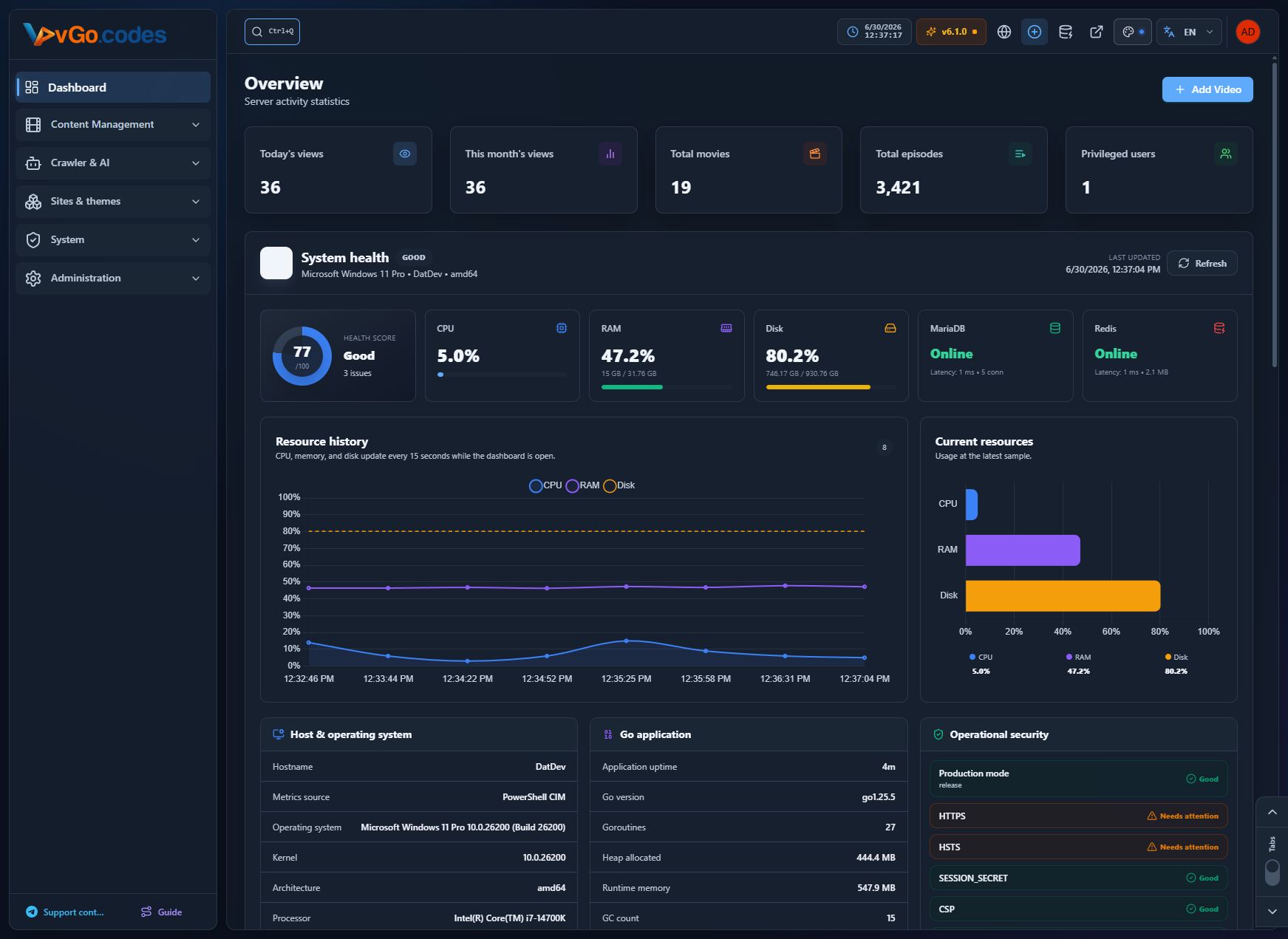
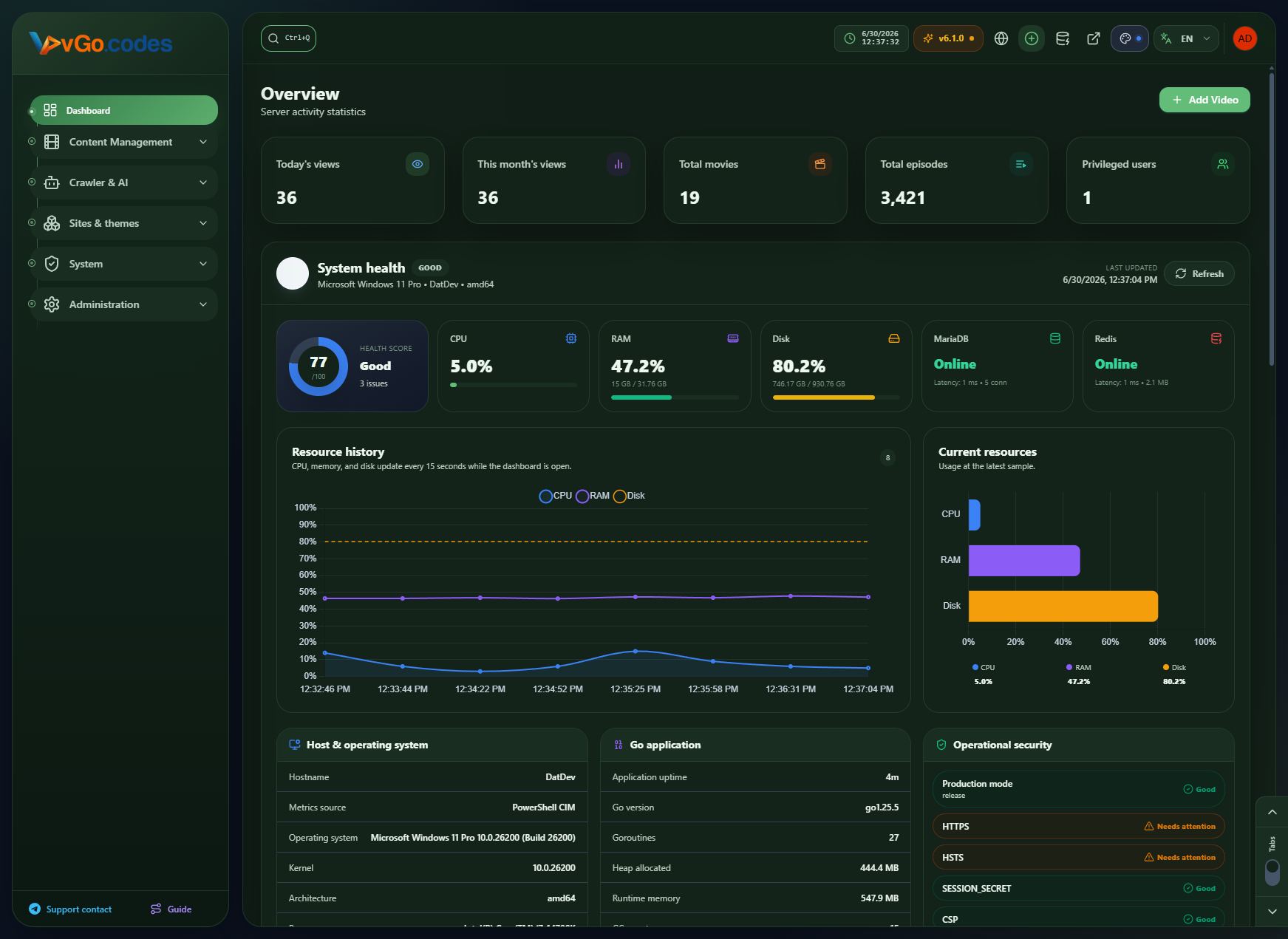
- Completely redesigned Overview page: detailed system statistics, Google Search Console insights, and security assessments.
- System Health scoring with clear status labels — Excellent, Critical, Warning, Good, Healthy — fully localized instead of hardcoded.
- Overview cache TTL increased to 10 minutes for faster dashboard performance.
- View statistics (day/week/month).
- Cached system info for noticeably faster dashboard reloads.
2. Content Management
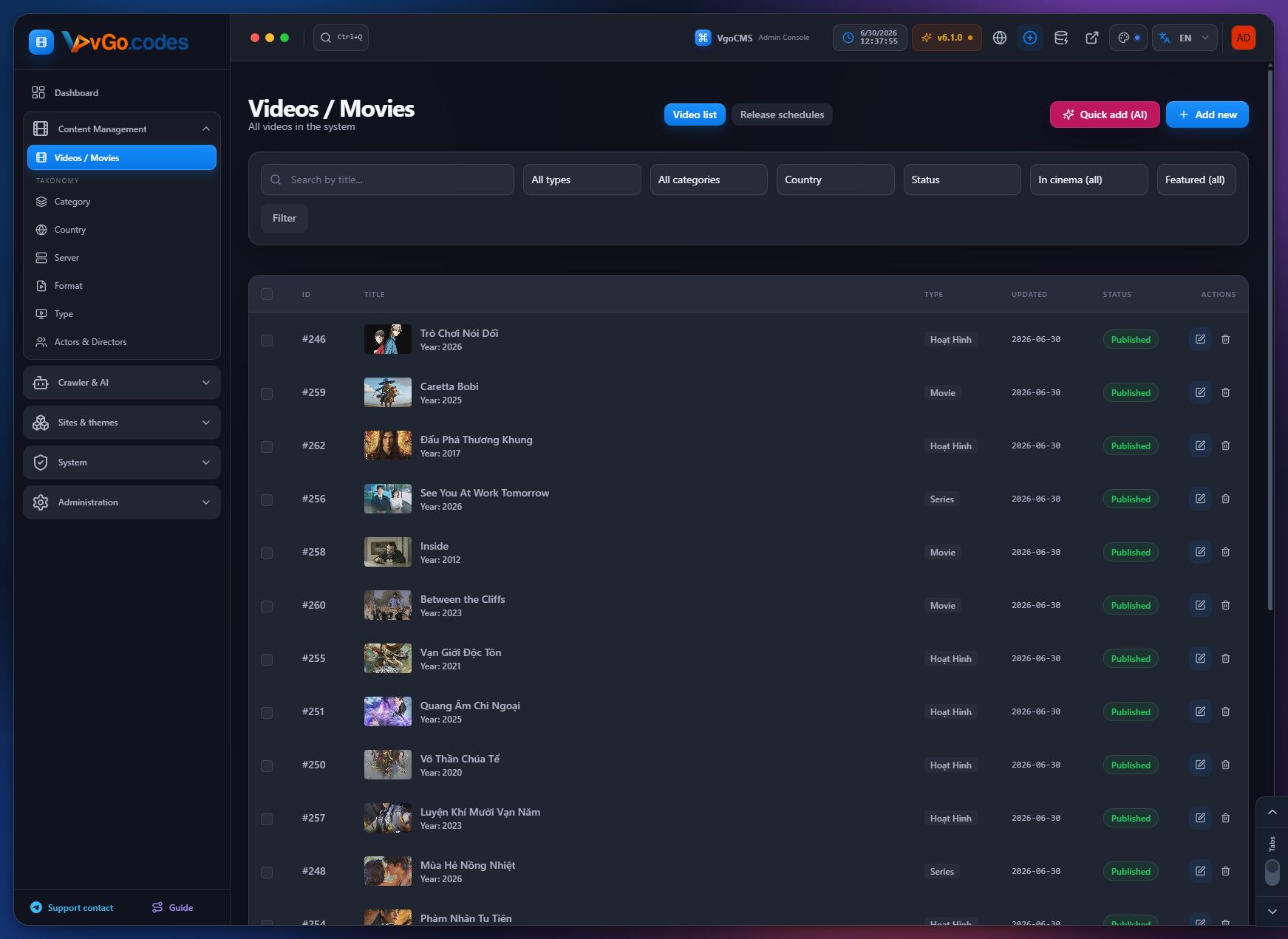
2.1 Videos / Movies
- Cast & Crew tab (new): assign per-actor character roles and a separate director field directly in the video editor — pick people from the database or enter manually, available in both the full and quick-create forms.
- TMDB credits import now merges actor character names, detects voice roles, and applies the same credits pipeline to crawls from additional sources.
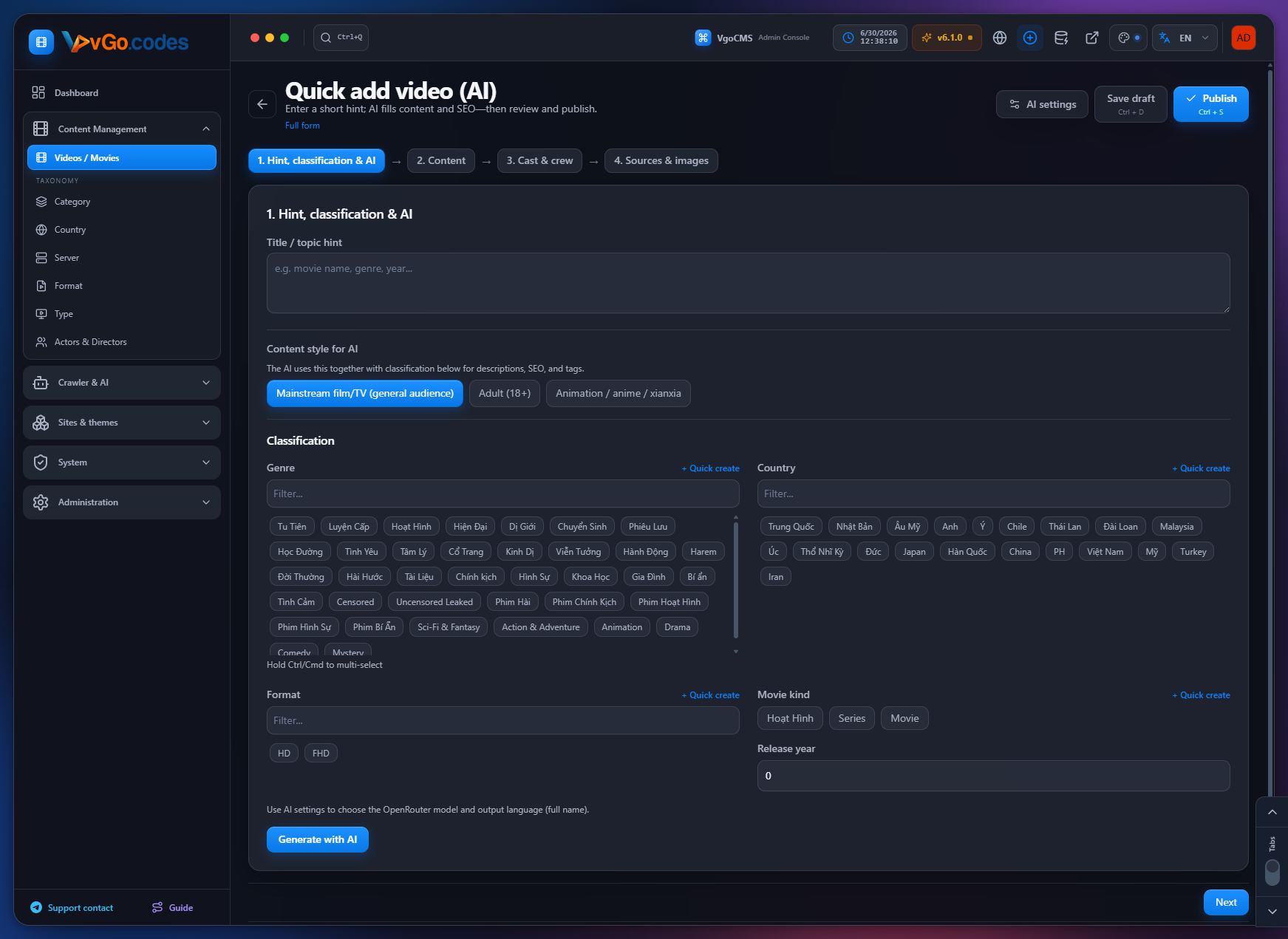
- Quick AI Video Create: pick classification and content style in step one; AI drafts use the selected taxonomy and style; the draft API accepts taxonomy IDs and a style parameter for better titles, SEO, and tags.
- Dedicated AI draft prompts tuned for adult (18+) catalog metadata.
- Movie showtime scheduling and movie notifications.
- Rating sync: added TMDB/IMDB vote-average fields; crawlers map vote averages across all major source pipelines; re-crawling updates existing scores; missing IMDB IDs are auto-filled from TMDB; safeguards prevent empty payloads from wiping existing scores.
- Paginated tag-based sitemaps.
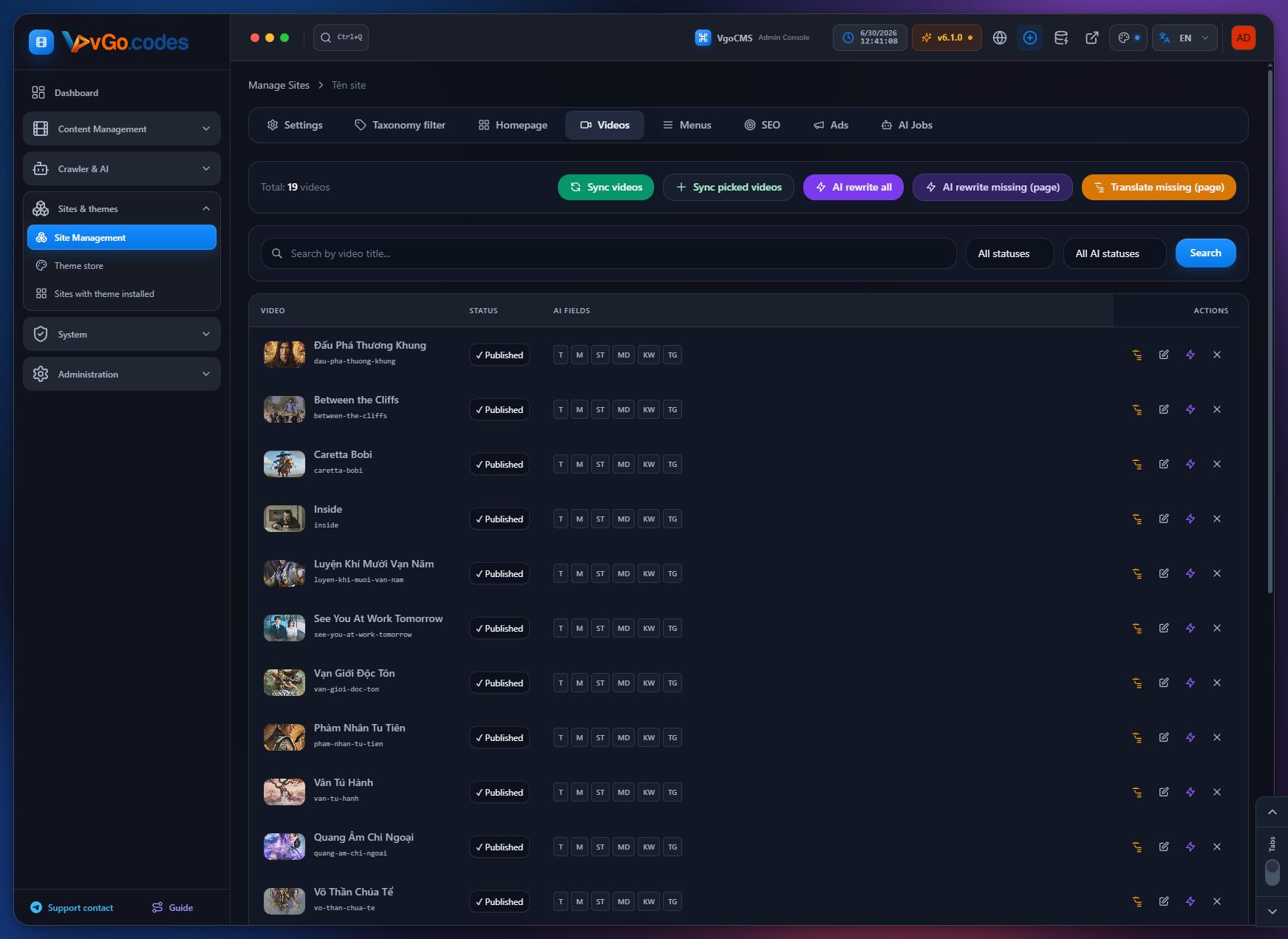
- Manual sync option for selected videos in any quantity.
- Related movies section based on shared TMDB/IMDB IDs.
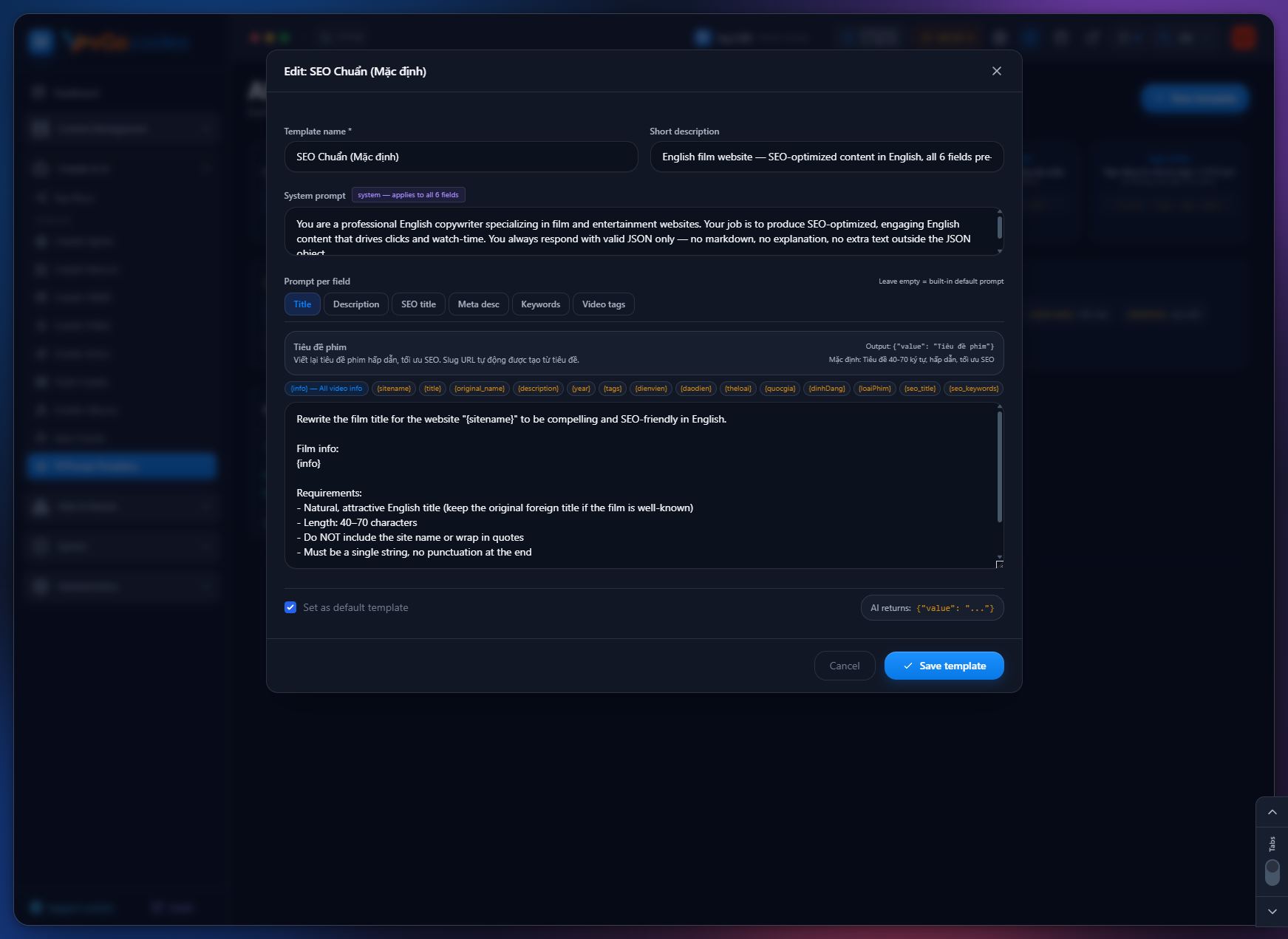
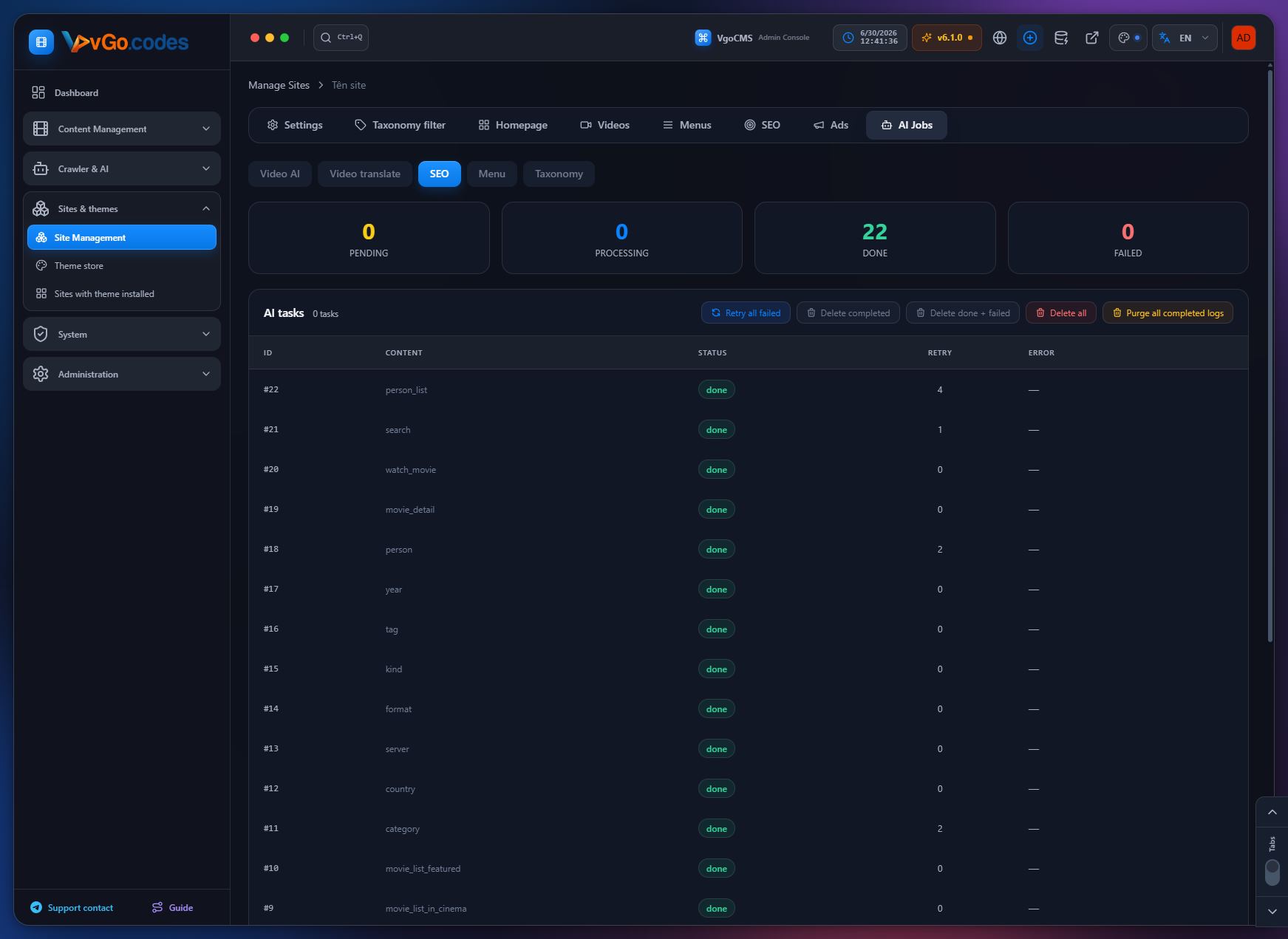
- AI-powered content rewriting with custom filters; multiple AI scripts can be selected to generate different writing styles for the same video.
- Fixed language editing for videos.
- Skip saving poster/backdrop URLs when no image is available from a source, avoiding broken image references.
- Fixed bulk episode insertion so empty episode rows are reused correctly instead of skipping episode numbers.
- Pre-save movie validation and faster processing.
- Concurrent crawl/import limit raised to 50,000 titles at once.
2.2 Category
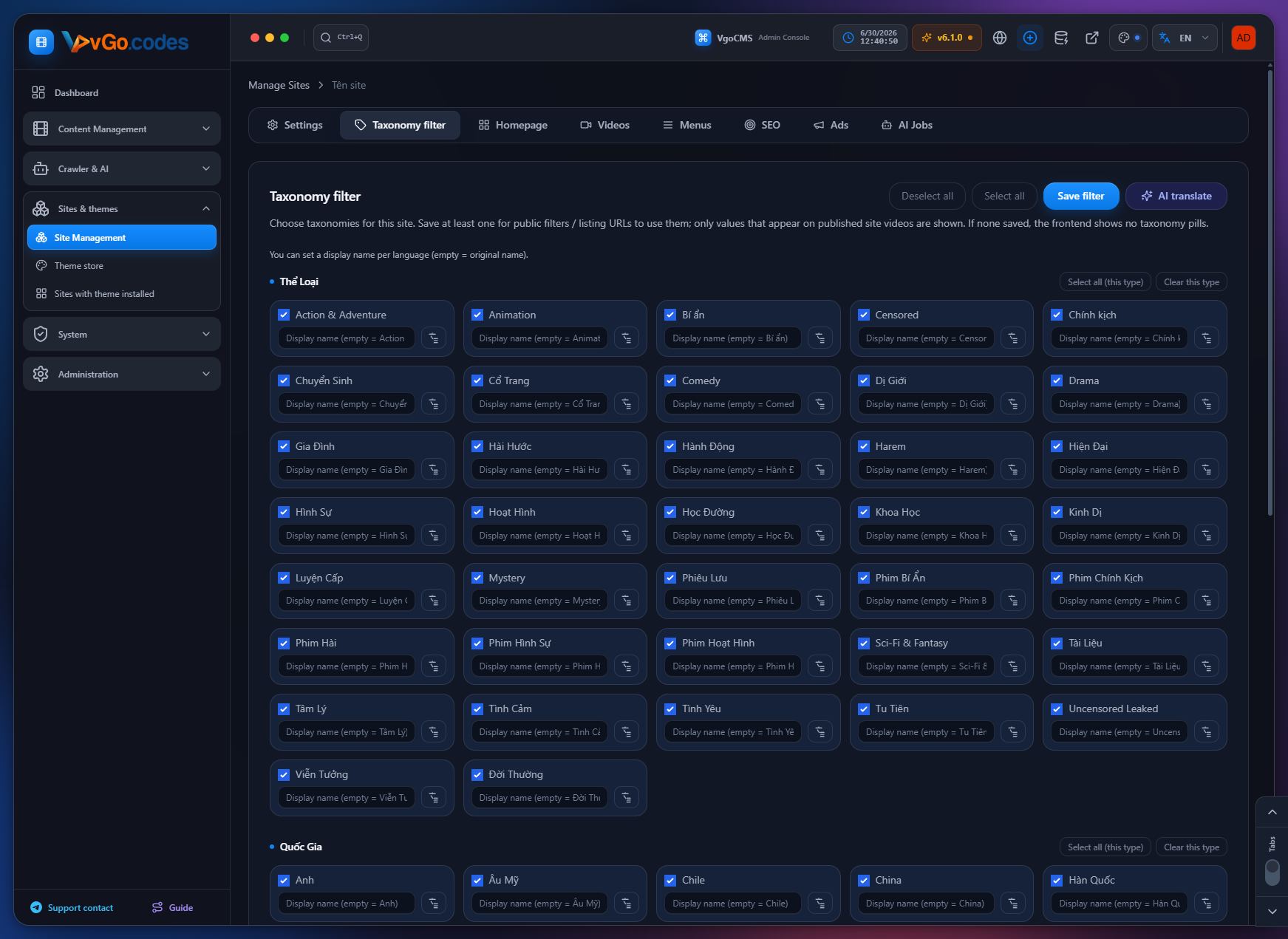
- Taxonomy-based video filters (genre, country, etc.) on listing pages, with advanced filters auto-enabled when active criteria are present.
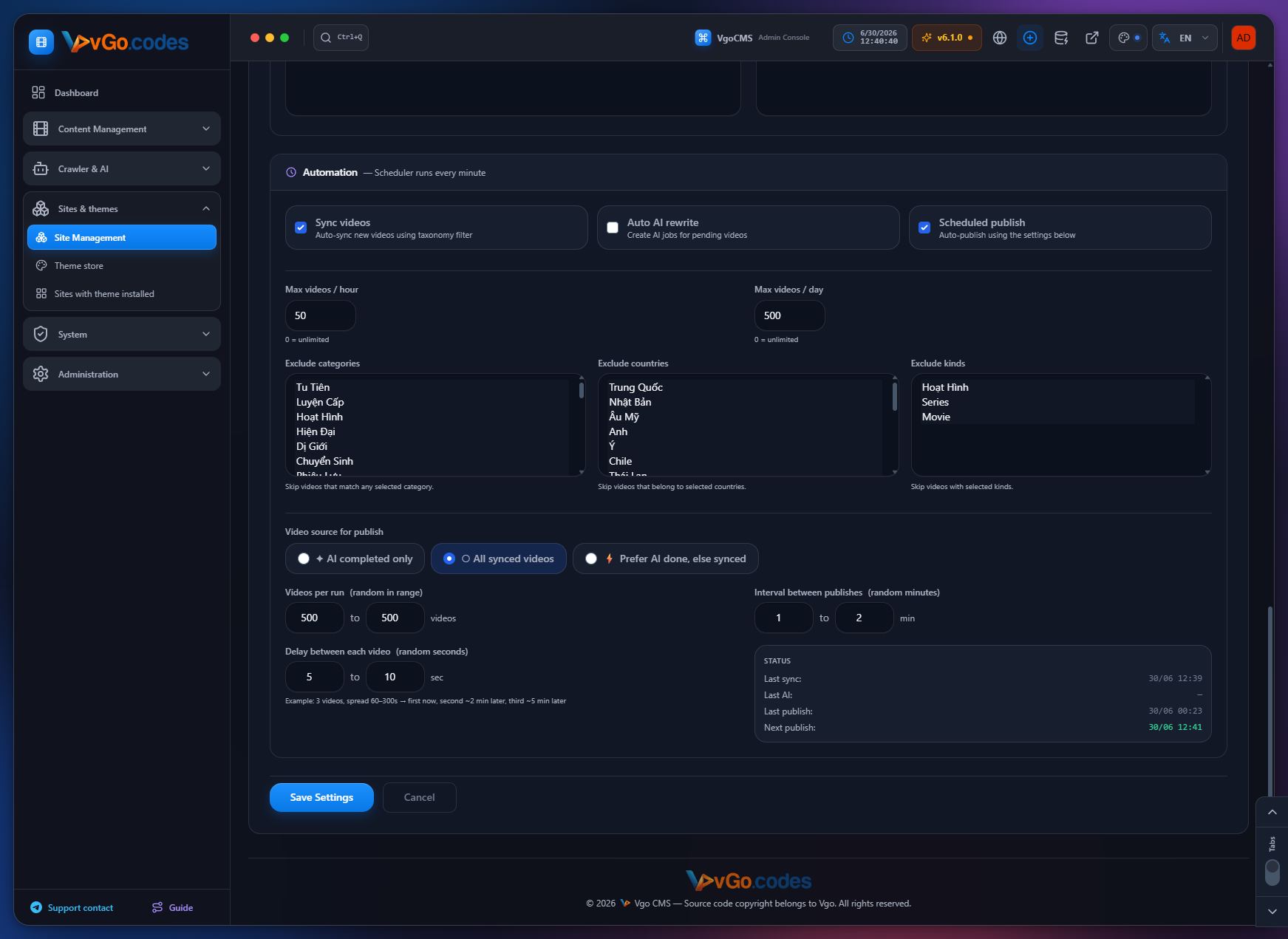
- Taxonomy exclusion filters (category, country, kind) for both manual "Sync Videos" and Auto Sync, with a rich confirmation modal showing translated filter details.
2.3 Country
- Shares the same taxonomy engine as Category: public-facing filtering and sync-exclusion support.
2.4 Server
- Dedicated taxonomy for managing video server entries, used as the basis for the Player System.
2.5 Format
- Taxonomy management for content formats, used for filtering and classification across the site.
2.6 Type (Kind)
- Standardized kind mapping across all crawl sources (movie, series, animation, etc.).
- Hardened taxonomy creation logic to avoid invalid kind references during race conditions, with safe fallback to "movie."
- Fixed a foreign-key error caused by mismatched kind mappings during video inserts.
- Fixed handling of dynamic taxonomy ID types (string vs. array) returned by external APIs.
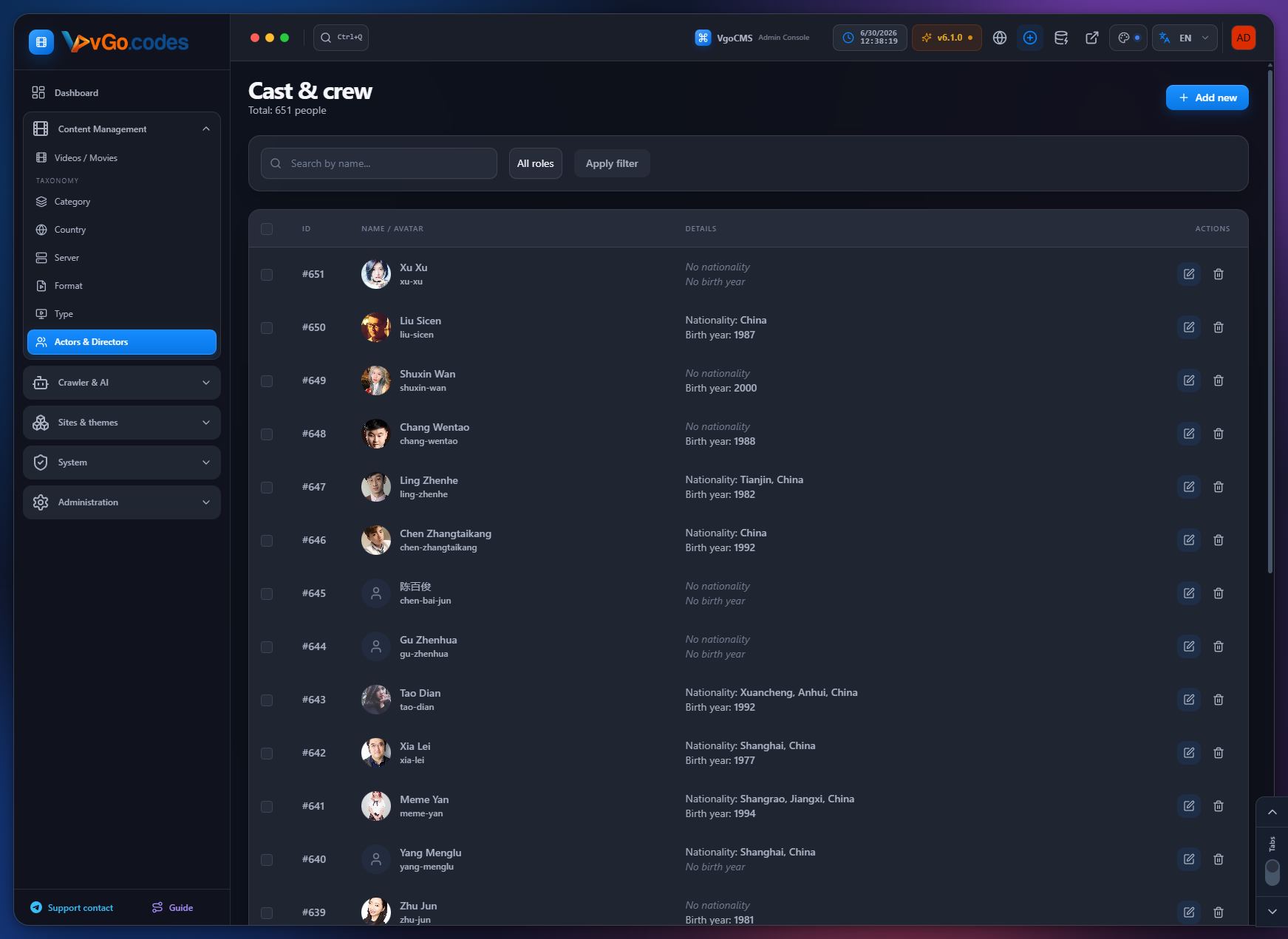
2.7 Actors & Directors
- Centralized people database that powers the new Cast & Crew tab in the video editor — pick existing people or quick-create new ones inline.
3. Crawler & AI
3.1 Vgo Share
- One of the four original crawl sources available since the first release.
- License validation is now cached to avoid rate-limiting.
3.2 Crawler Ophim
- Original crawl source since the first release, with ongoing fixes to kind mapping, dynamic taxonomy IDs, and image handling.
3.3 Crawler Maccms
- Available since the first release; benefits from the same standardized kind/taxonomy pipeline improvements.
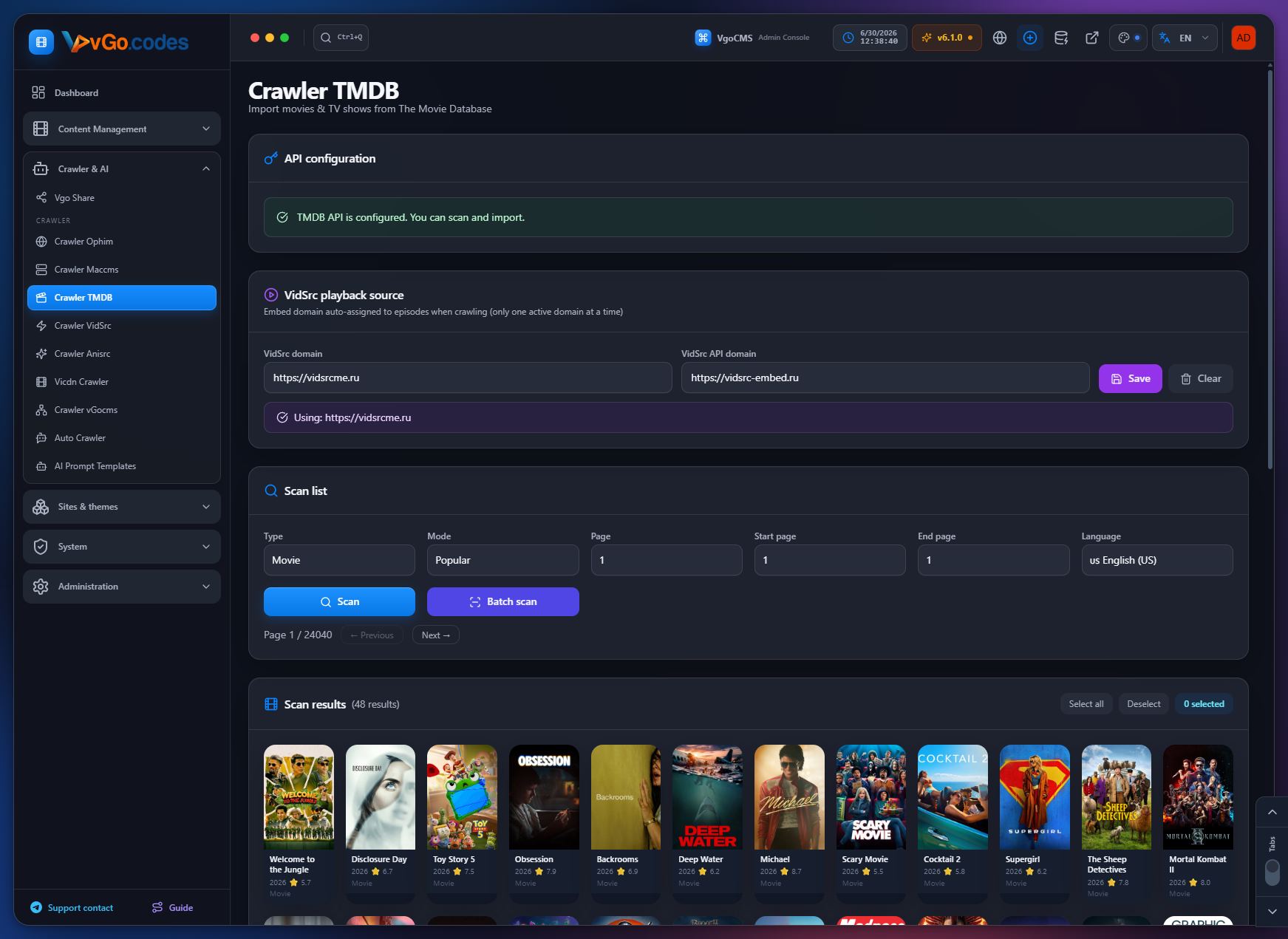
3.4 Crawler TMDB
- Vote-average sync, score updates on re-crawl, and automatic IMDB ID backfill.
- Duplicate checks now cover both movies and TV series, so the correct title type is created when the same ID exists under the other type.
- Credits import: merges character names, detects voice roles.
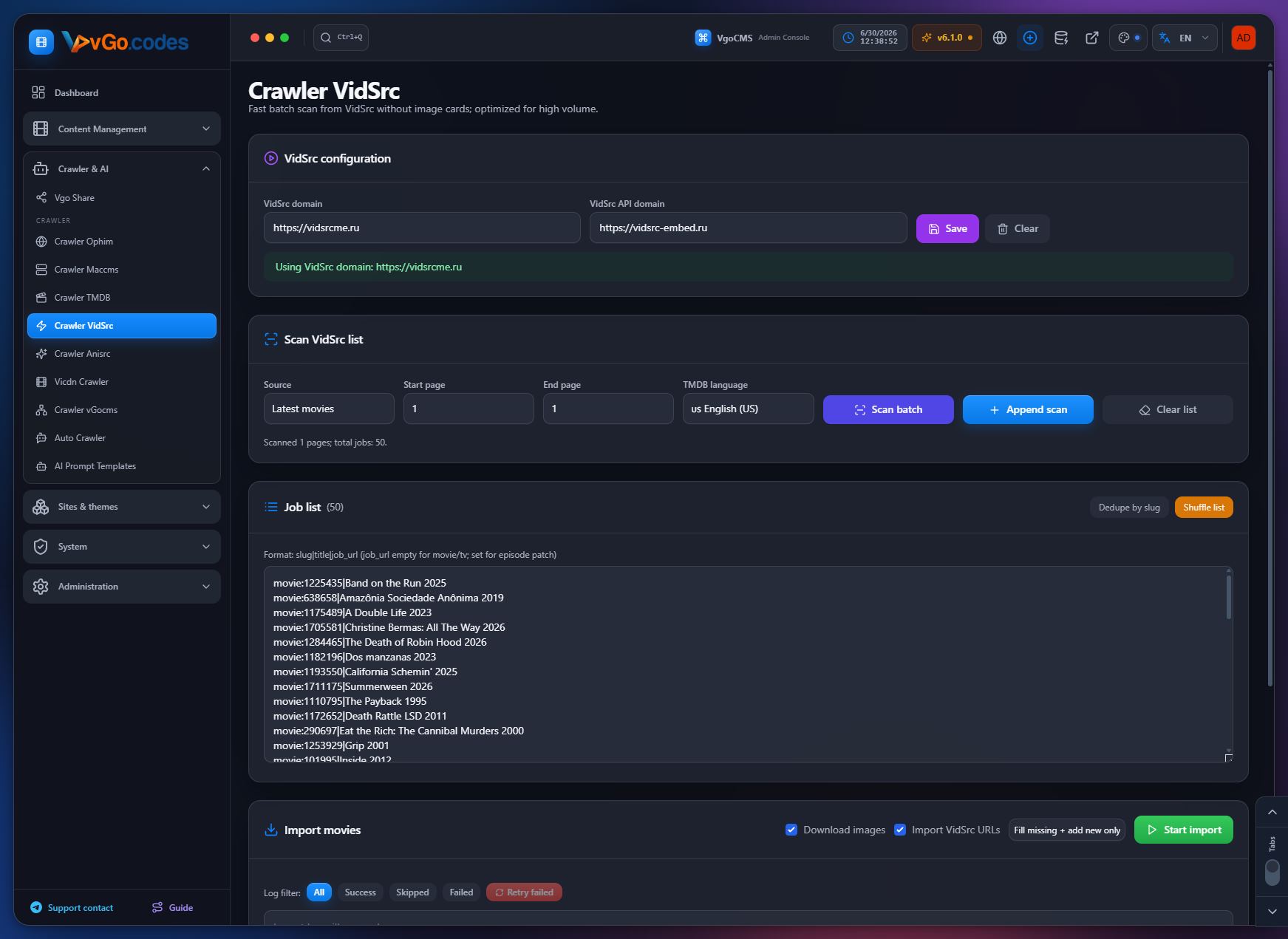
3.5 Crawler VidSrc
- Dedicated crawl menu for bulk workflows: range scanning, a compact job list, and direct import actions.
- Fixed a page-loading issue caused by a missing template registration.
- Latest-import fallback fills missing thumbnails from the poster when no backdrop is available, and pulls per-episode TMDB still images.
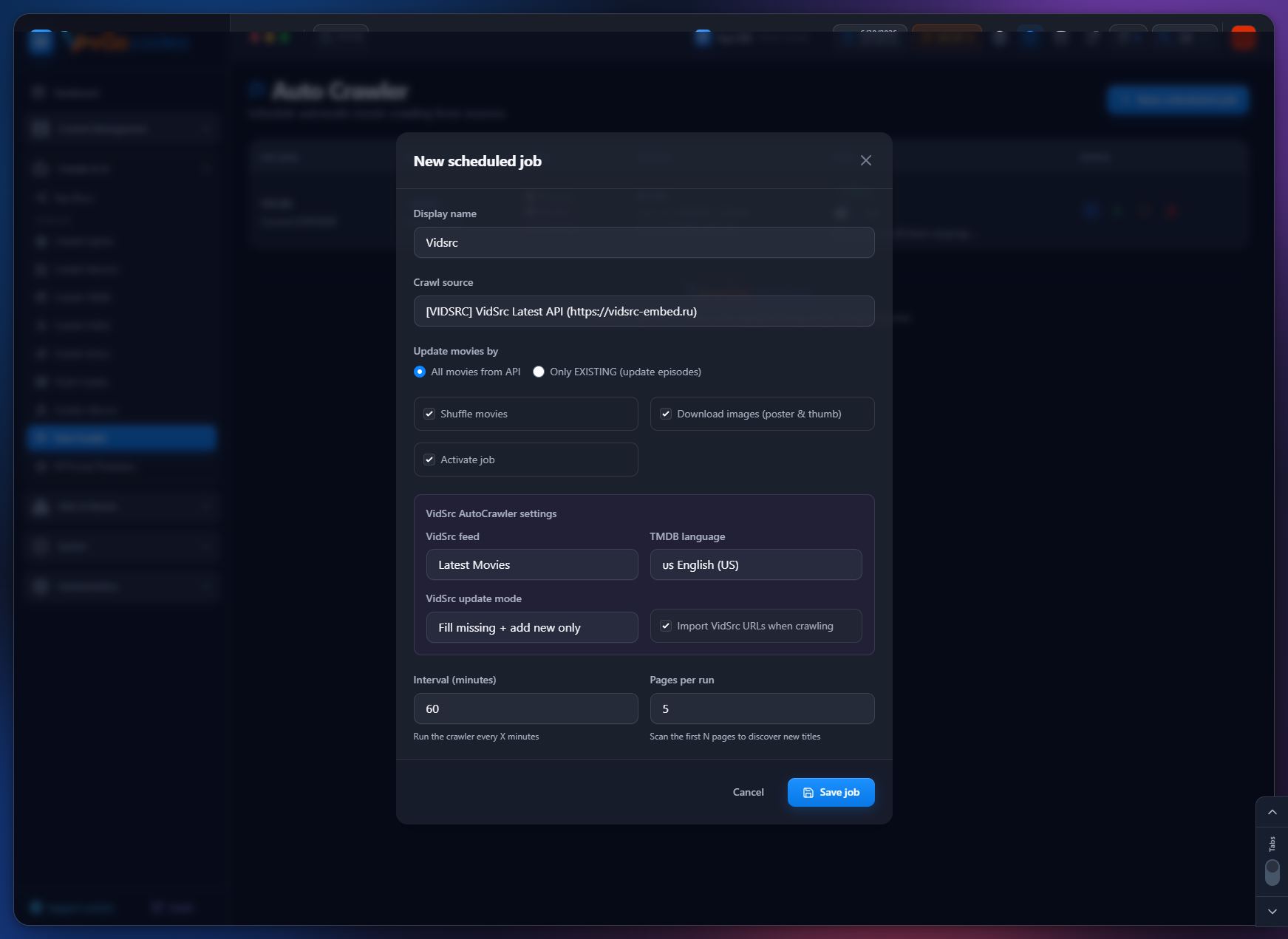
- Full Auto Crawler integration: dedicated source, feed selection (Latest Movies/TV Shows), TMDB language controls, and automatic source detection from configured domains.
3.6 Crawler Anisrc
- Complete crawl flow: dedicated admin page, range-based scan/search, and direct crawl start from a compact job list.
- Dynamic source management (add/edit/delete), with a default source auto-seeded on first setup.
- Improved episode parsing, including pipe-delimited formats and normalization of malformed links.
- URL normalization rejects external hosts, prefers canonical paths, and strips unnecessary file extensions.
- Support for regional audio/subtitle classification and custom kind tagging.
- Auto Crawler options for TMDB preference and language control, while preserving slug- and TMDB-ID-based matching.
- Credits pipeline (merged names, voice-role detection) extended to this source.
3.7 Vicdn Crawler
- Brand new: dedicated admin page to manage sources, scan movie/TV listings by page range, queue crawl jobs, and import episodes directly from the source API.
- Fresh installs automatically seed a default source.
- Supported as a source type for scheduled Auto Crawler background scans.
3.8 Crawler vGocms
- Part of the original multi-source crawler lineup since the first release, using the same slug/ID-based matching as other sources. No source-specific feature beyond the shared pipeline improvements has been documented separately.
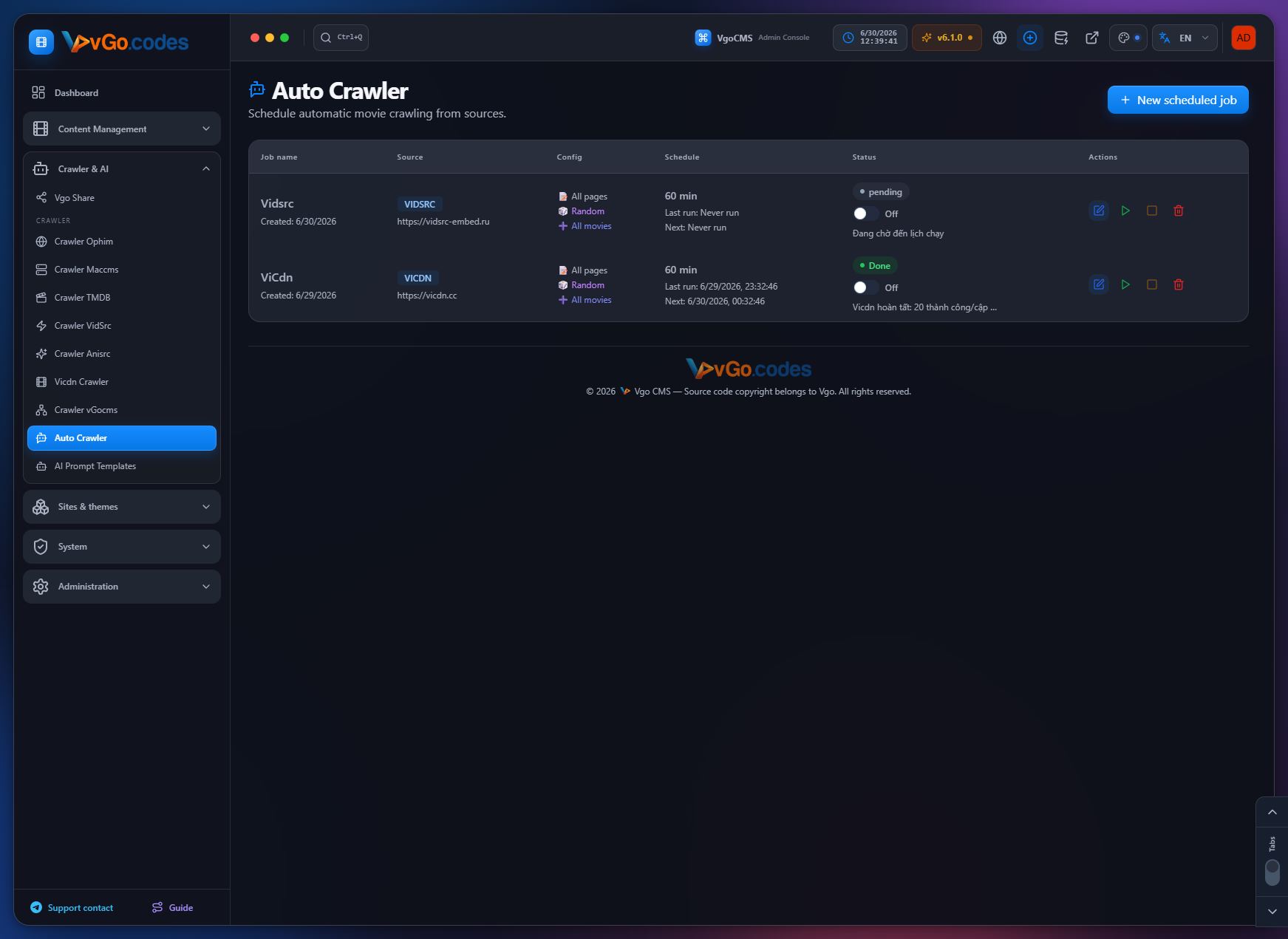
3.9 Auto Crawler
- Added support for the new ViCDN source type in scheduled background scans.
- Job settings can now be saved while a crawl is running; stop behavior strengthened with runtime cancellation plus a backend stop flag.
- Automatic source detection and stable synchronization for VidSrc.
- TMDB preference and language controls for the Anisrc source.
3.10 AI Prompt Templates
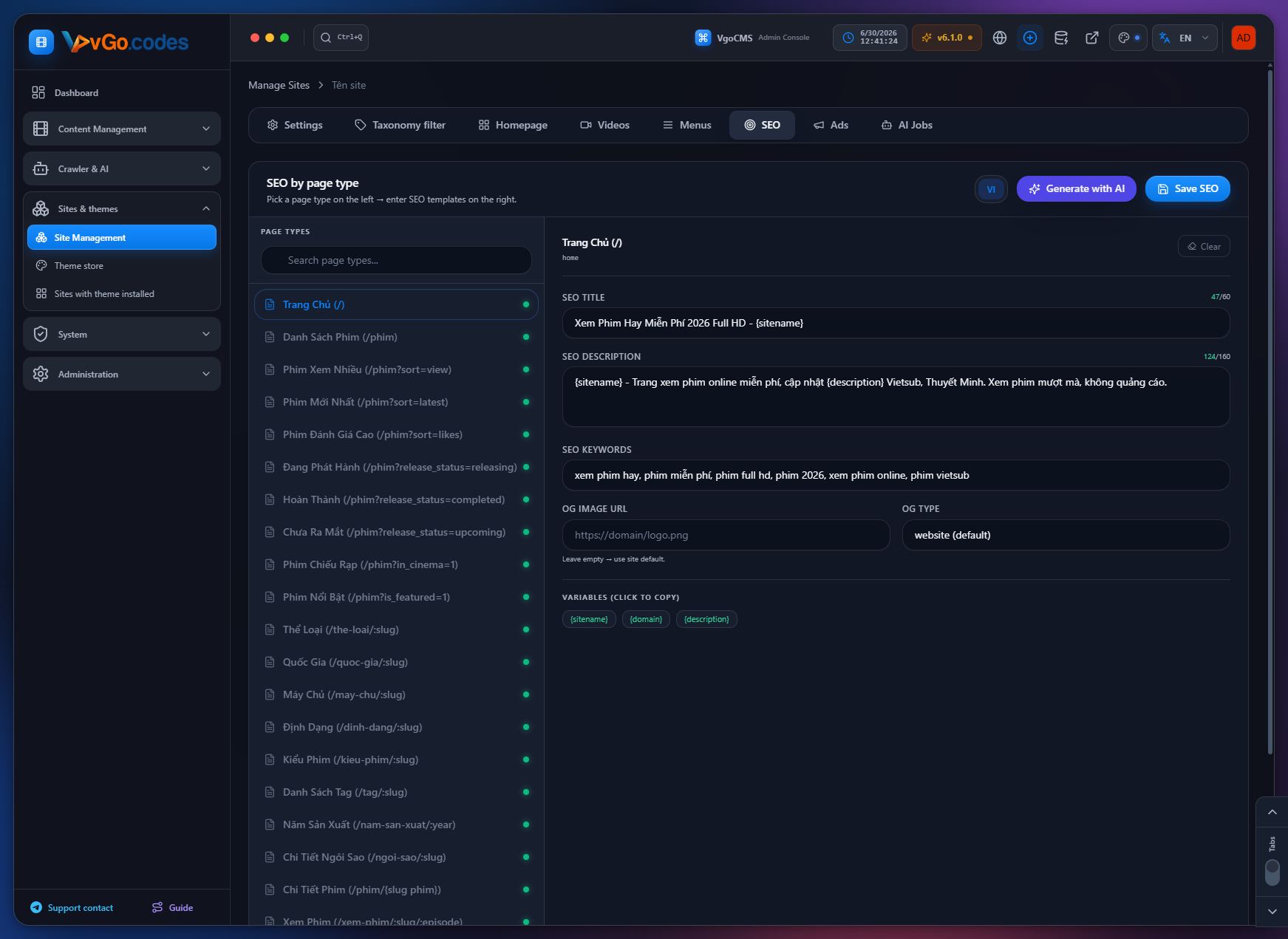
- AI SEO Generator with incremental updates and auto-save.
- Per-page-type SEO generation for more graceful error handling.
- Fixed a missing import in the AI provider service, with detailed error logging.
- Default AI model upgraded for better SEO output quality.
- Dedicated draft prompts tuned for adult (18+) catalog metadata.
- AI provider integration available since the first release.
4. Sites & Themes
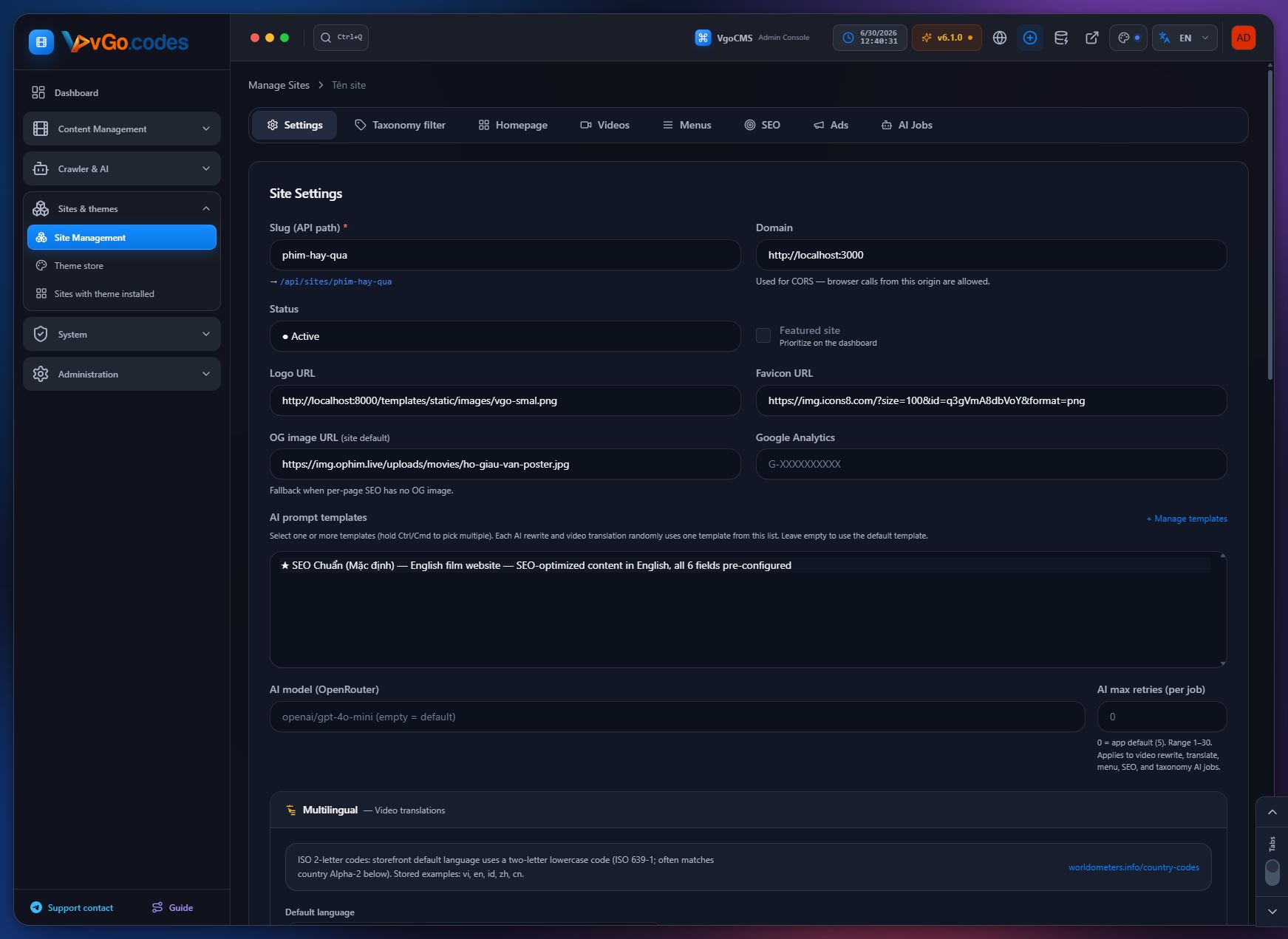
4.1 Site Management
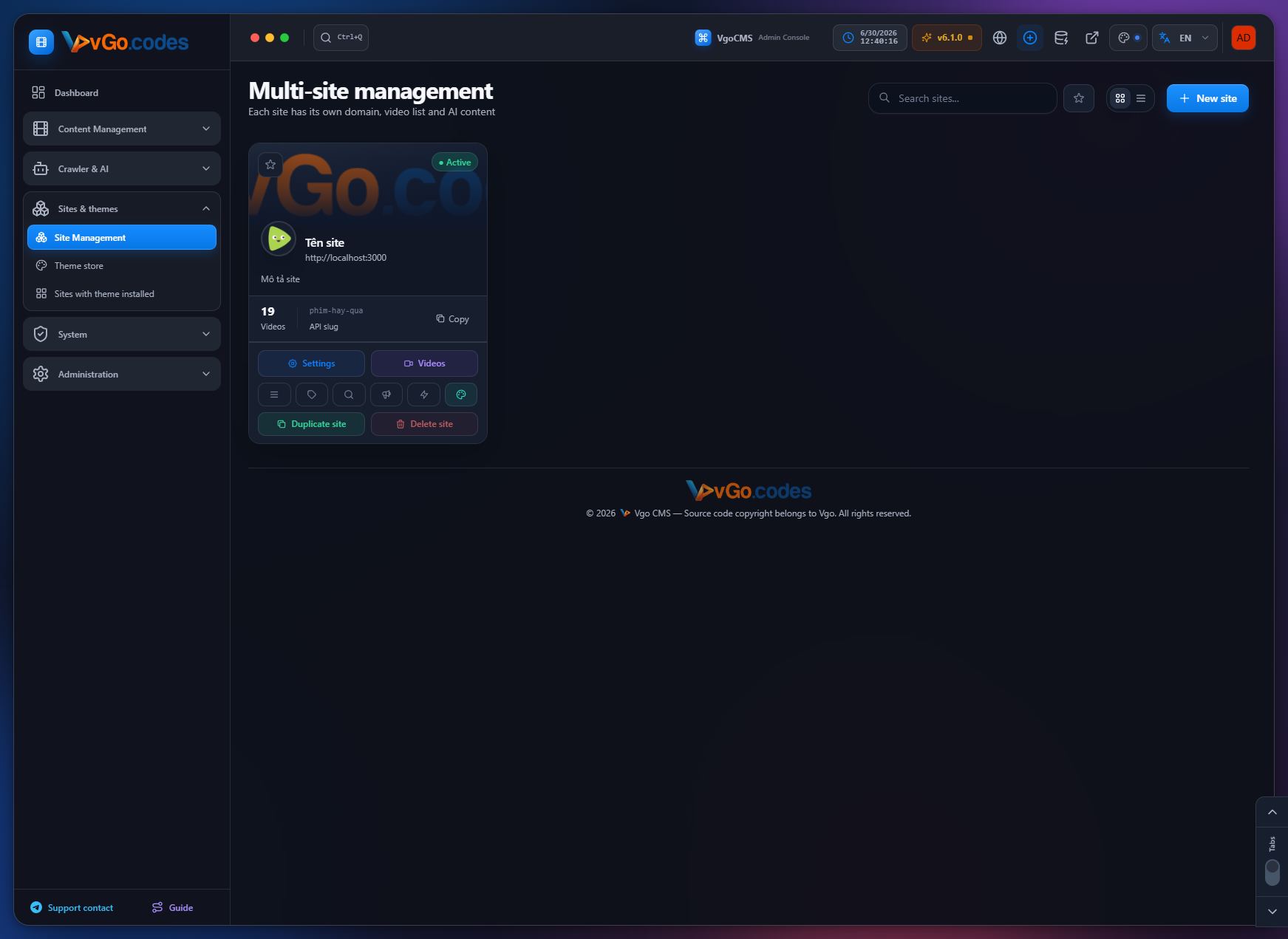
- Multi-site management since the first release.
- Site duplication: clone an existing site under a new slug, copying videos, menus, SEO, ads, filters, and related settings; theme install/deploy and AI/translation job queues are skipped so the new site's theme can be configured separately; the same licensing rules apply as for creating a new site.
- Fixed a duplicate-key error during cloning by cleaning up orphaned rows from previously failed clones, with an extra safety layer on batch inserts.
- Slug conflicts during concurrent site creation/duplication now return a proper conflict status instead of a generic server error.
- Fixed per-site video counts on the admin sites list by removing a faulty caching snapshot, and resolved race conditions during cloning.
- Batch inserts for large catalogs to avoid key conflicts when source data overlaps.
- Site deletion now properly removes all related orphan data — SEO configs and translations, taxonomy translations, menus, menu items and translations, and all AI/translation job queues.
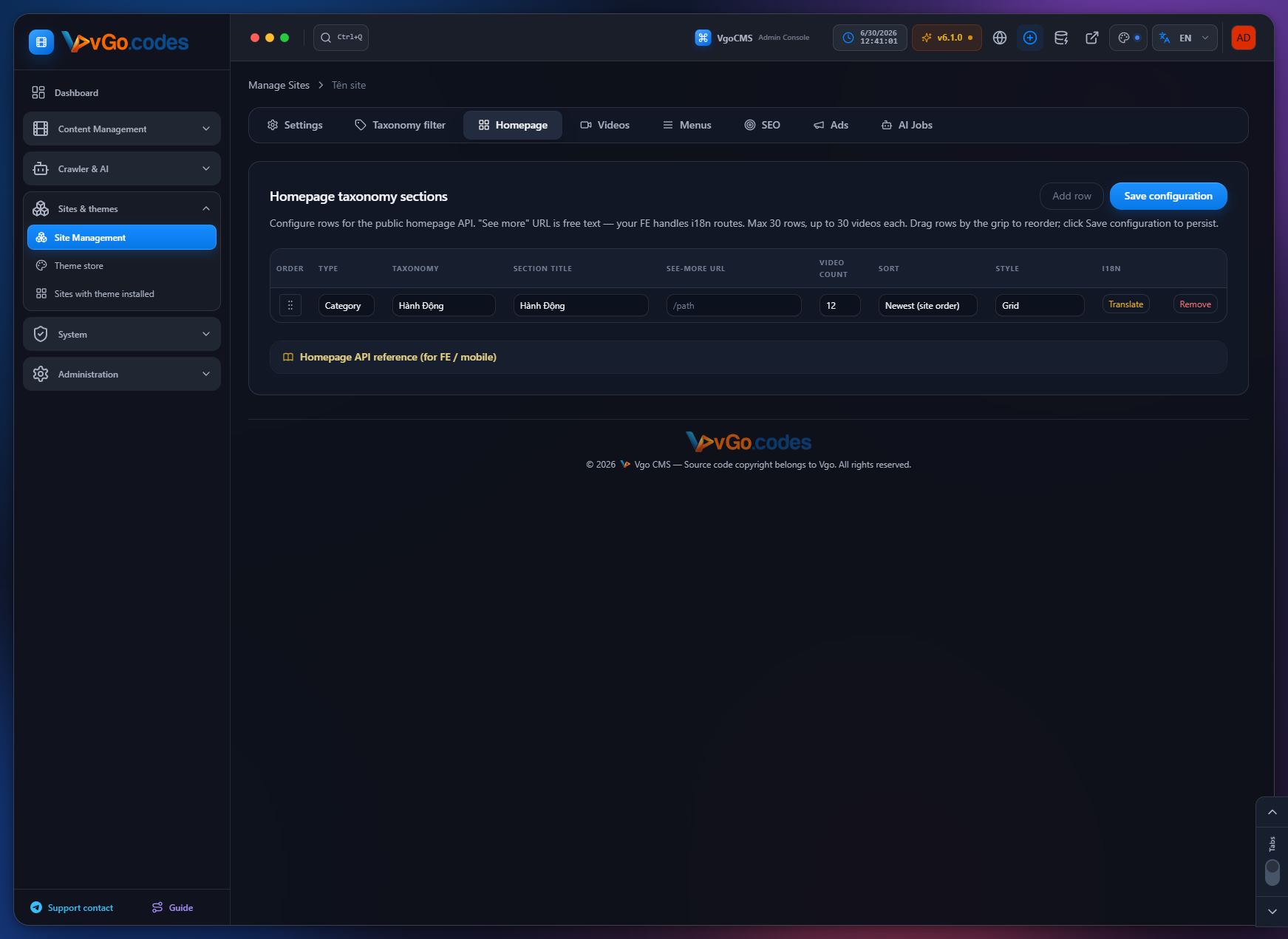
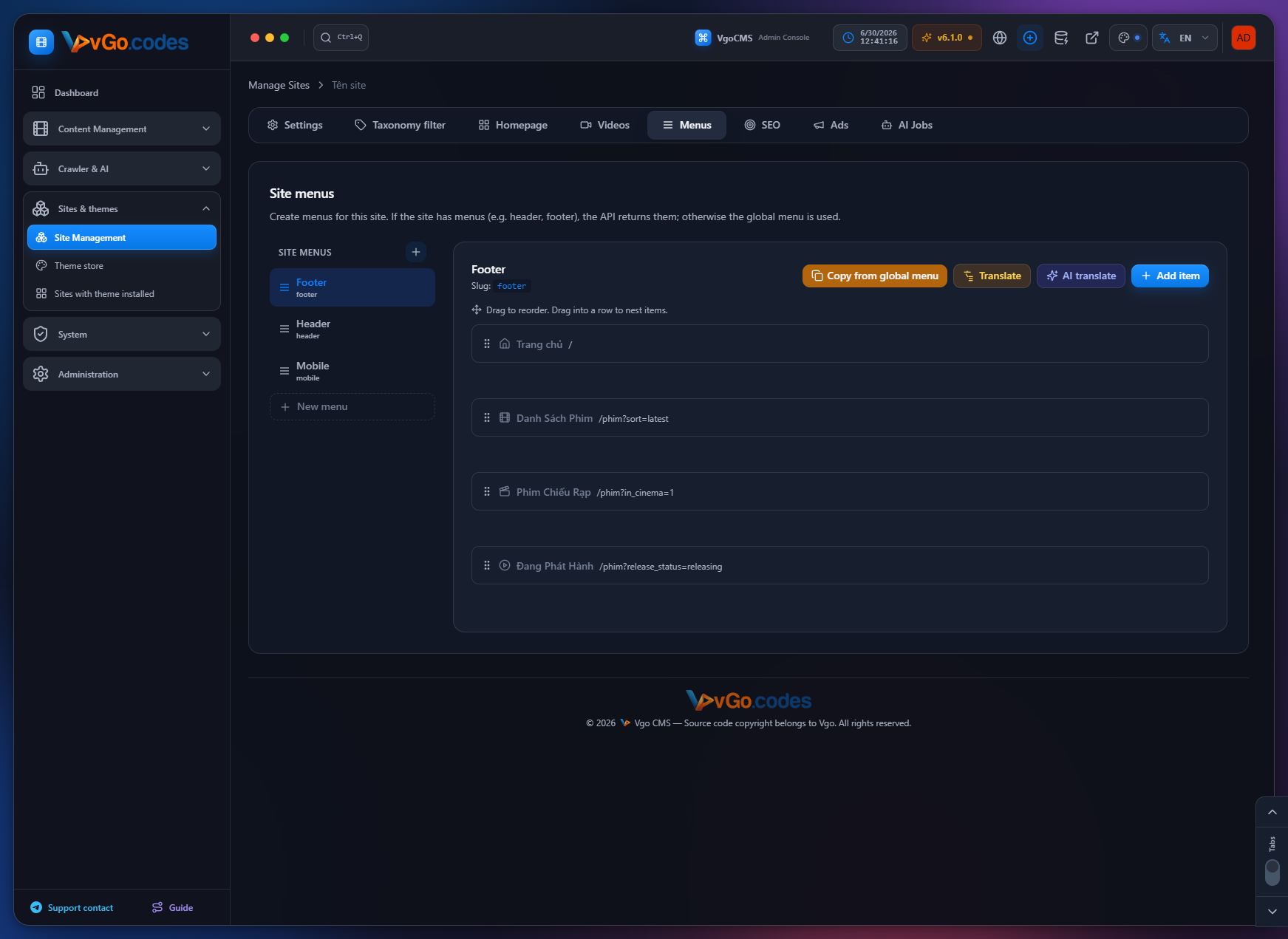
- Configurable homepage sections by taxonomy — title, "see more" link, video limit, sort order — with per-section translation support.
- Public API endpoint to retrieve homepage taxonomy row configuration.
- Drag-and-drop reordering of homepage sections with a clear insertion indicator; order is persisted and reflected in the public API.
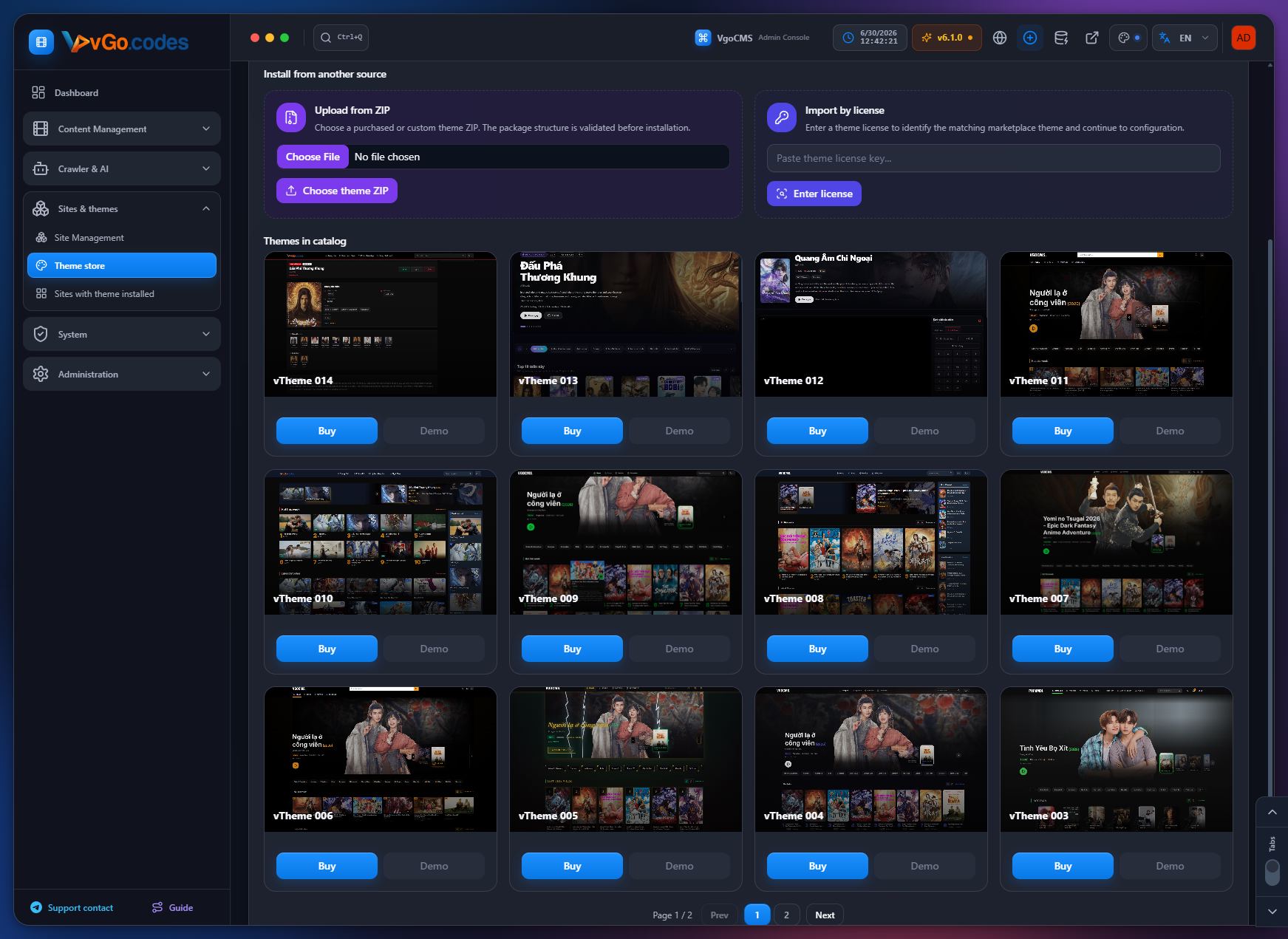
4.2 Theme Store
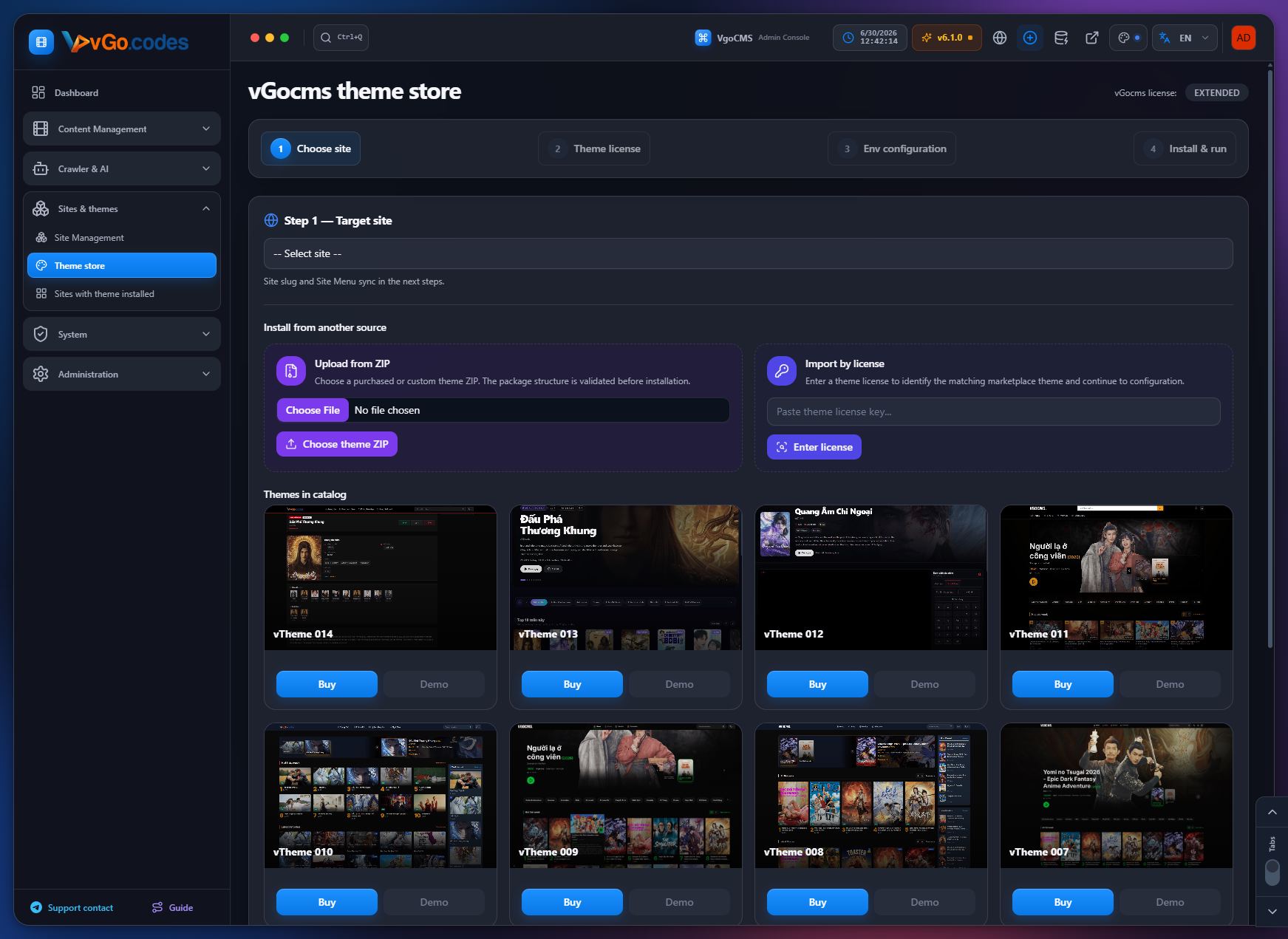
- One-click automatic theme installation: download, configure, and run.
- Simplified install wizard: only the install action appears on first setup; maintenance actions replace it after a successful install.
- The install button is disabled and the build log is highlighted automatically when an install/build job starts, so progress is visible immediately.
- Save Env, Rebuild, and Restart are disabled while a theme is installing or building, preventing overlapping jobs.
- Advanced environment configuration is kept in sync across local and production env files, merging values from template defaults, package contents, the database, manual edits, and the admin UI in a clear priority order.
- Install, update (catalog, embedded, and ZIP), rebuild, and save-env actions all import and persist merged environment data consistently.
- Clearer error messages when attempting a ZIP-based theme update on a site with no theme yet, or a different catalog theme.
- New environment option for Next.js themes that need to load images from localhost or private IPs in production.
- All theme install logs, API errors, environment field labels, and catalog messages are now fully localized.
4.3 Sites with Theme Installed
- Clear update-available notices for installed themes when a newer package exists.
- Quick access to the ZIP-refresh flow directly from the installed-sites list.
- Upload a new ZIP to refresh a site's theme without losing saved settings, with misleading "update available" flags removed for files admins can't normally edit.
- Streamlined theme install and update flows in the admin UI.
- System updates support theme-only updates from update URLs for a smoother installation experience.
5. System
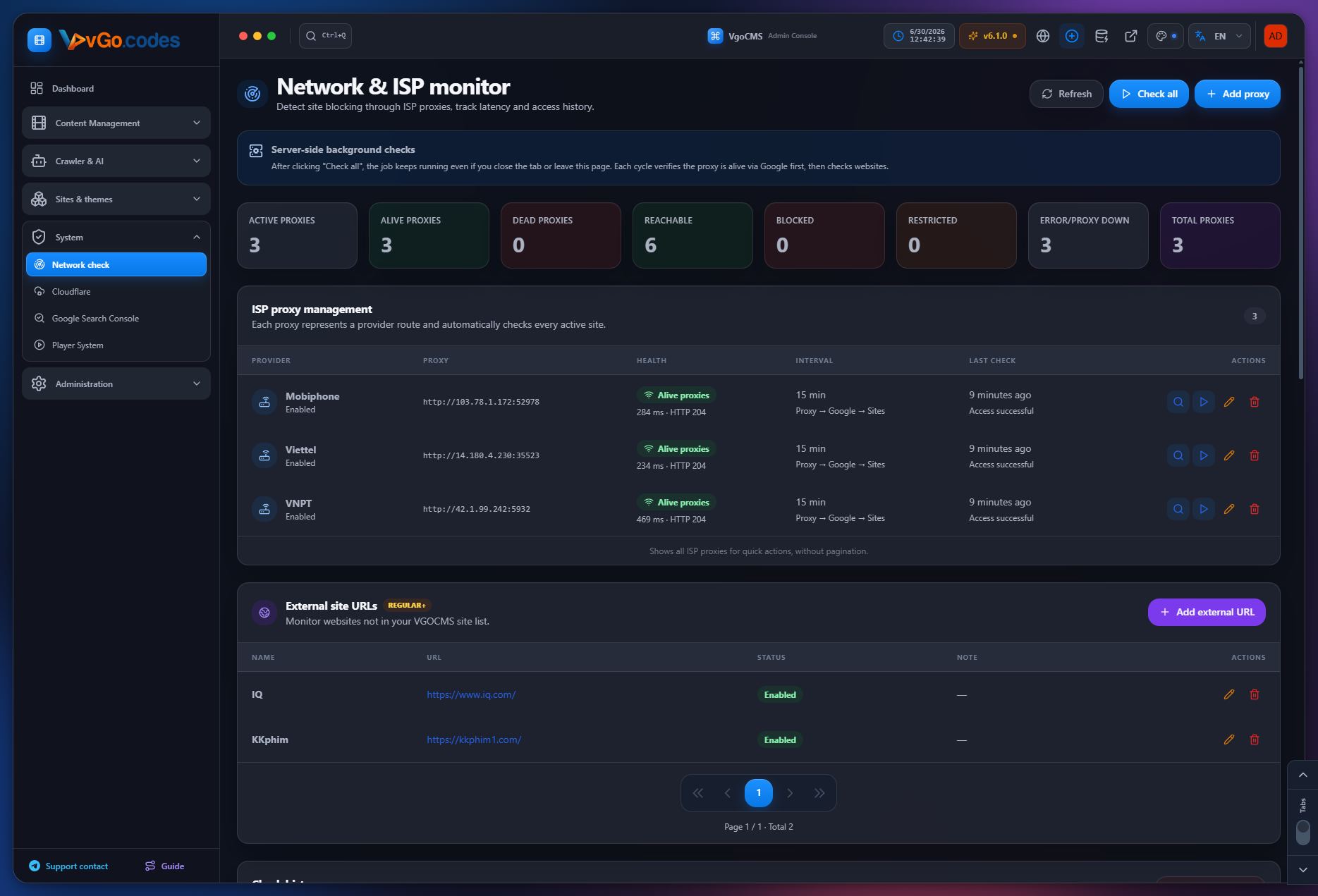
5.1 Network Check
- New: dedicated Network & ISP Monitor page — detect site blocking through ISP-level proxies, run server-side background checks, track latency, and review full check history with filters.
- ISP proxy management with health verification before saving, scheduled checks, alive/dead status tracking, and active alerts when sites are blocked or restricted.
- Higher-tier plans can monitor external URLs outside the managed site list; entry-level plans can still monitor all managed sites.
- Fully localized, including all dynamic UI messages.
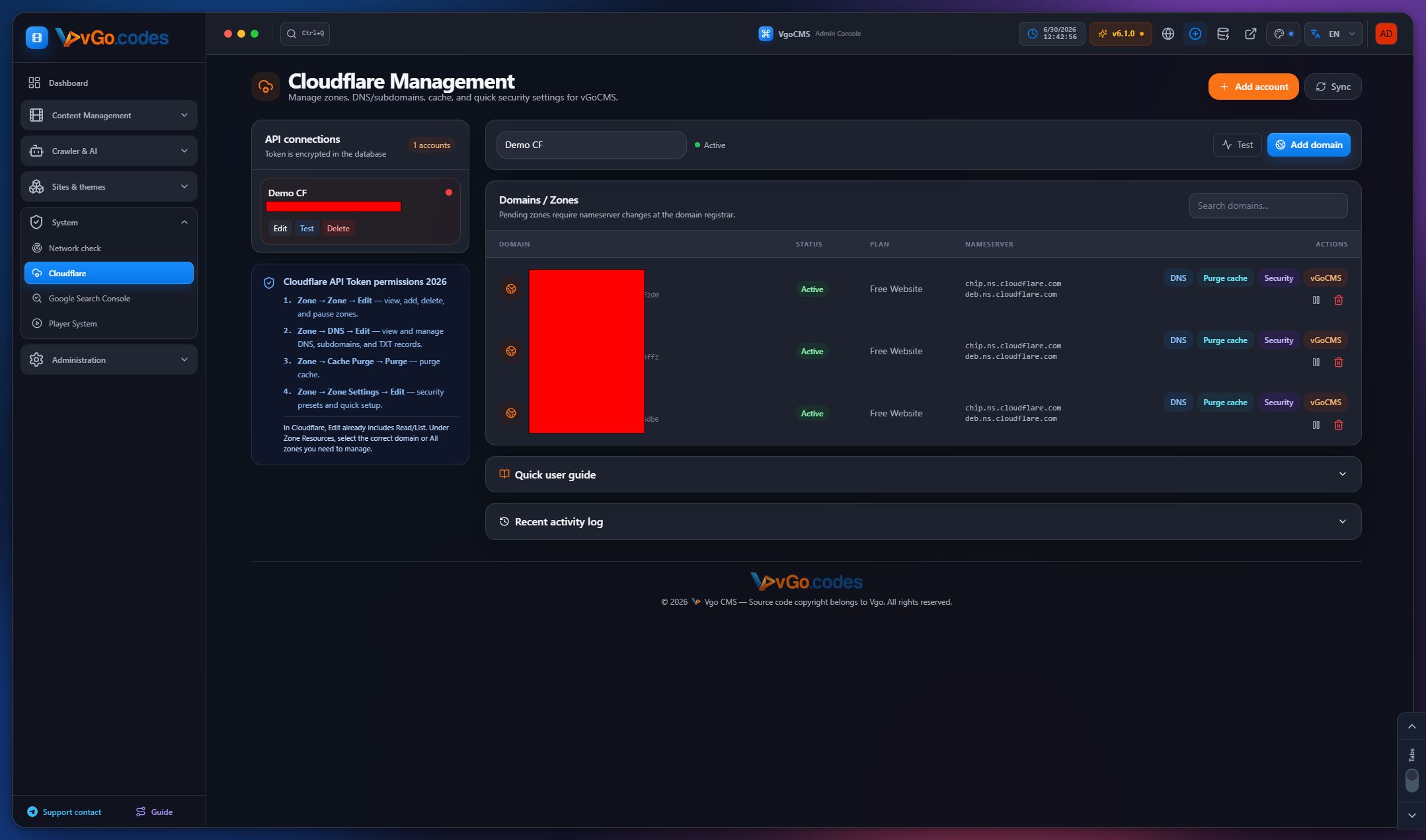
5.2 Cloudflare
- Manage and sync Cloudflare from one place in the System menu.
- Add domains, edit DNS records, purge cache, and update security settings.
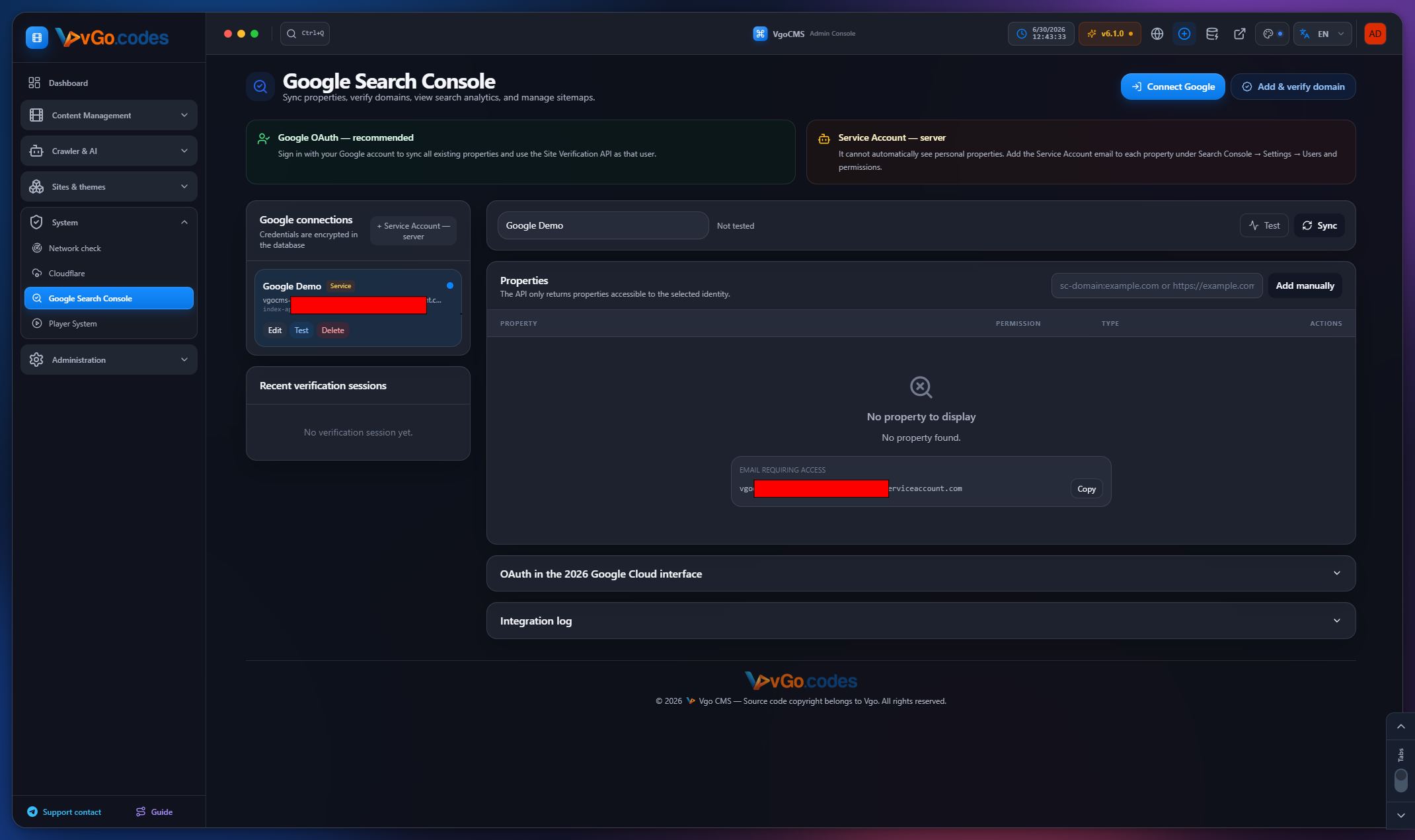
5.3 Google Search Console
- Real search statistics rendered as charts, sitemap management, and remote sitemap analysis.
- Search Console insights surfaced directly on the dashboard.
5.4 Player System
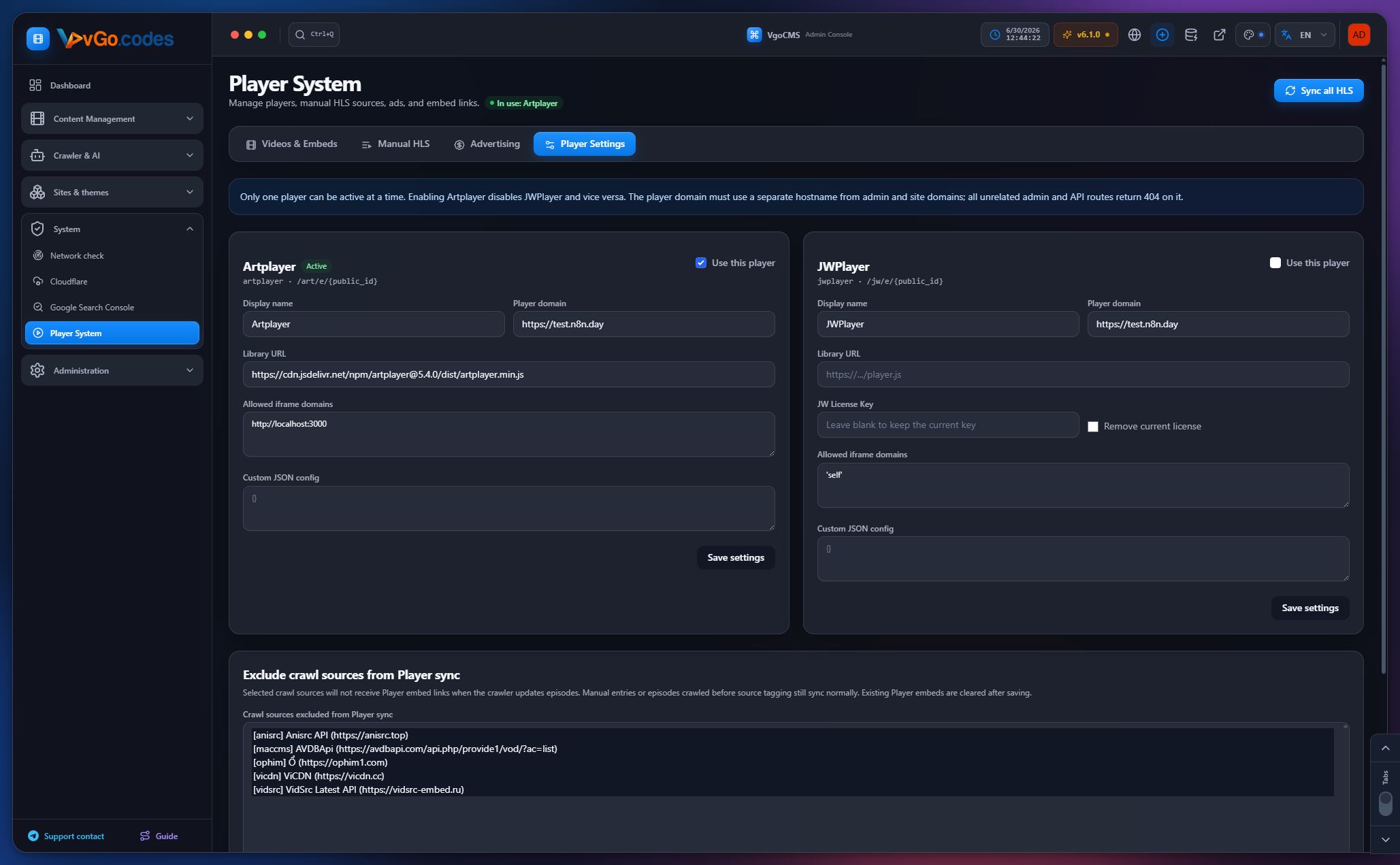
- Built-in support for additional embeddable players with dedicated embed URLs and custom player domains.
- Player domains are locked down to embed pages only — admin pages, internal APIs, login routes, and other system endpoints are blocked.
- Automatic conversion of HLS links into player embed links when a custom player is enabled.
- VIP servers: dedicated VIP player servers per original video server; enabled VIP servers are prioritized by the public API.
- Database pagination across player management, manual HLS sources, and episode embed lists, optimized for libraries with thousands of episodes.
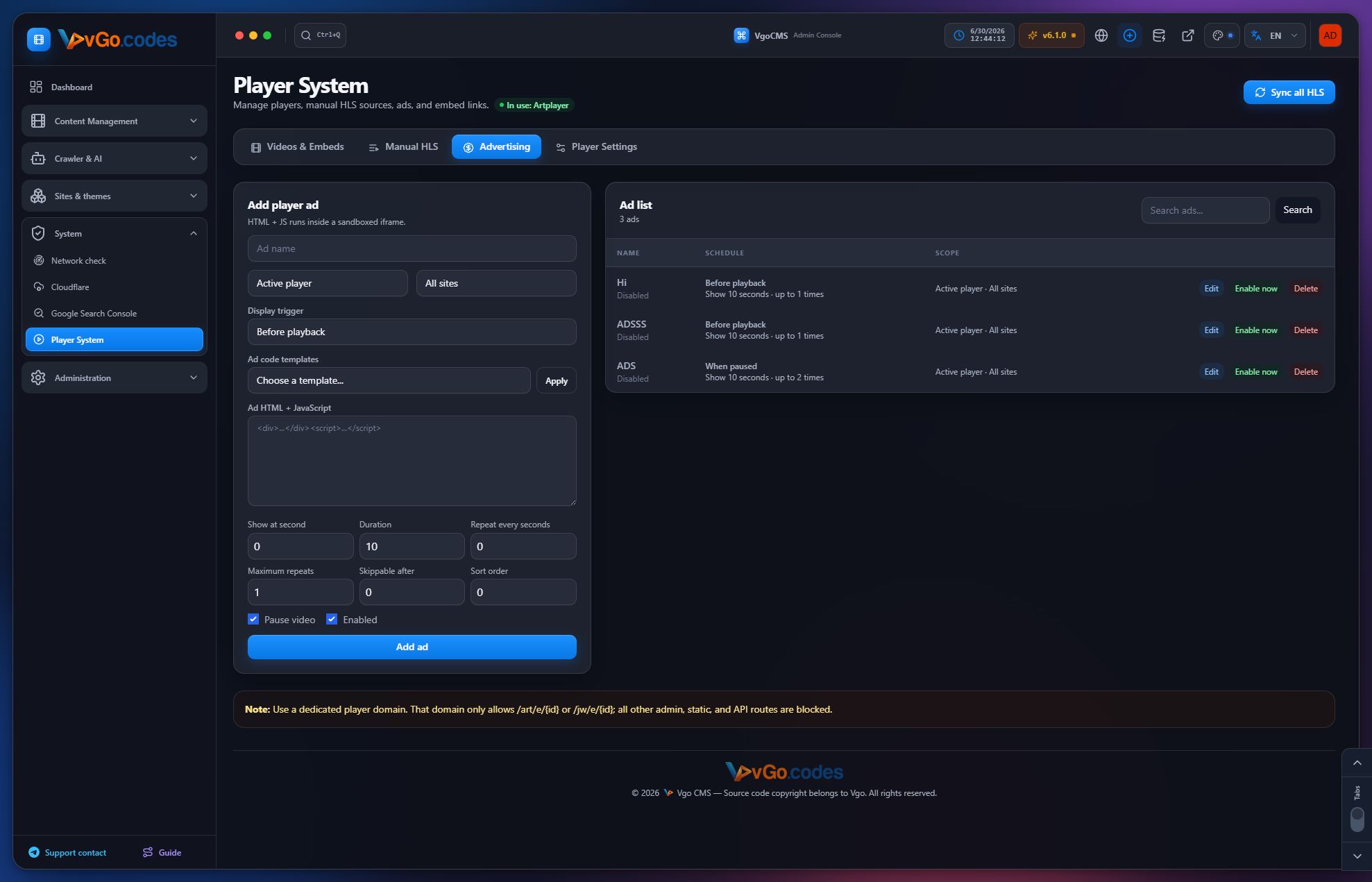
- Player advertising with HTML and JavaScript ad support — configurable timing, duration, repeat rules, quick enable/disable, and editing.
- Built-in ad templates — a center-screen banner and a sponsor modal with a countdown timer — applied with a single click.
- Player config option to exclude specific crawl sources from automatic embed sync; episodes from excluded sources skip embed generation, and existing managed embeds are cleared.
- Episodes are tagged by crawl source so sync exclusions can target specific sources directly.
- Manual HLS sources upgraded from a flat list into film-based libraries with grouped episodes, film titles, paginated source lists, and film-wide playback settings.
- Bulk import supports multi-line URL lists or "Name|URL" rows, with automatic episode naming.
- Netflix-style skip-intro, skip-outro, and auto-next playback settings for both CMS videos/episodes and manual HLS sources.
- Embed player improvements: autoplay on load, a DevTools-detection overlay on player domains, and smarter skip-outro visibility for single-source or final-episode playback.
- Export tools for embed URLs in a simple "Name | Embed URL" format.
- Significantly reduced Player management page load time.
- Cleaner Player layouts with unnecessary thumbnails removed and multiple usability fixes.
6. Administration
6.1 System Settings
- Enterprise-grade security upgrades.
- Mitigations against cache poisoning and DDoS attacks on the movie listing API.
- Performance optimizations and fixes for out-of-memory issues.
- Rate limiting on the related-movies API to prevent full table scans and memory exhaustion.
- Over 100 user-reported issues fixed in earlier releases.
- Project-wide security model overhaul with new protection mechanisms for the admin panel and site APIs.
6.2 Cloud Storage
- Support for storing automated backups in cloud object storage.
6.3 Redis Cache
- Improved admin tooling for inspecting cache keys, checking TTLs, and running safer cache-flush operations.
6.4 API Keys (AI Provider)
- Centralized management of AI provider keys powering AI Prompt Templates, AI SEO, and AI video drafting.
- Fixed service errors with improved error logging.
- Default AI model upgraded for better output quality.
6.5 Advertisements
- HTML/JavaScript ad management with timing, duration, repeat rules, quick enable/disable, and editing.
- Pre-built ad templates available for one-click application.
6.6 File Manager
- Fixed API route resolution when a custom admin path is configured, ensuring file operations work correctly with non-default admin prefixes.
6.7 Menu Manager
- Fixed menu item delete/rename behavior in the sidebar, for both site-level and global menus.
- Renaming a menu item now automatically keeps its slug in sync.
6.8 Users
- Backend user system updated for compatibility with the latest core architecture, with pre-save validation and faster processing.
6.9 System Update
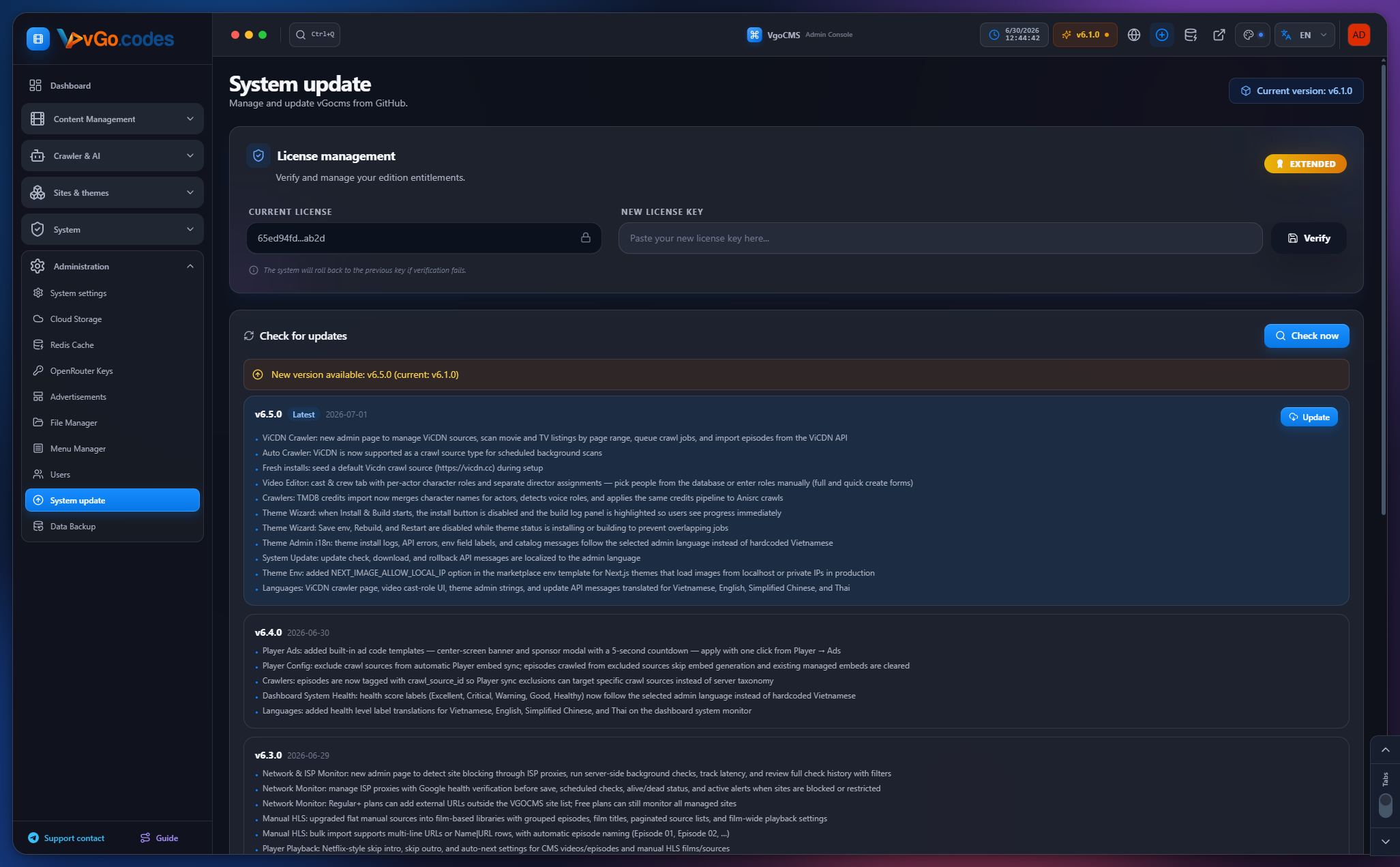
- GitHub-based auto-update functionality.
- Version management interface with full changelog display.
- Pagination added for long release histories.
- Auto-restart after a successful update.
- Windows users get a direct download link and clear replacement instructions for the executable.
- Support for theme-only updates from update URLs.
- License management directly on the update page, with cached license validation to avoid rate-limiting.
- Update check, download, and rollback messages are fully localized.
- A major version introduced a full architectural overhaul, requiring a database backup before updating, while remaining compatible with fresh installs.
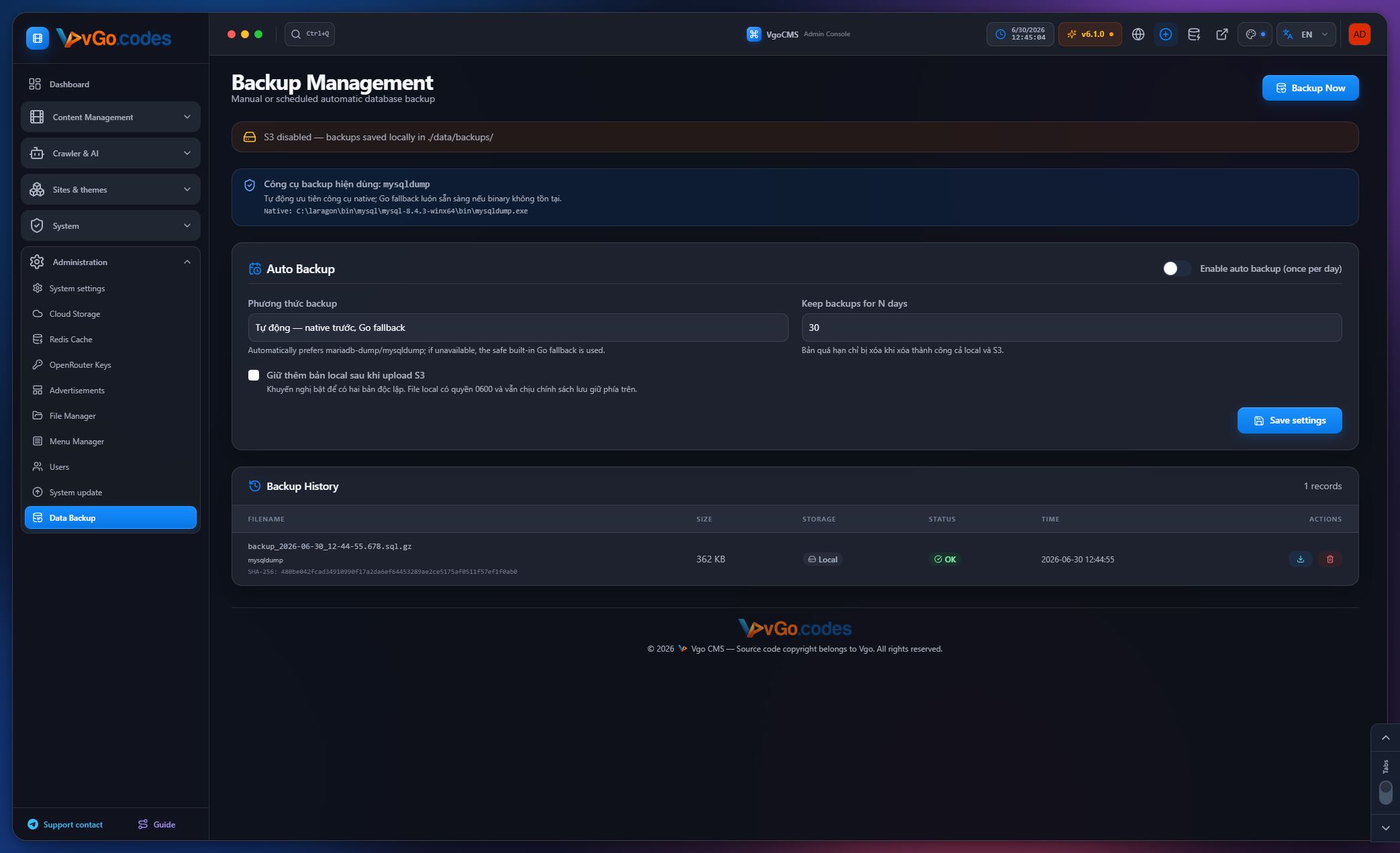
6.10 Data Backup
- Automated data backup with cloud storage support.
7. Shared Admin Infrastructure
- 14 selectable admin UI themes, with the selection saved per account.
- Full codebase restructuring for a leaner, more optimized architecture.
- Tabbed workspace navigation in the admin panel — open multiple internal pages at once, drag to rearrange, and close tabs individually.
- A bottom-right dock for switching between tab and classic navigation modes, plus quick scroll-to-top/bottom controls.
- A command-style menu search palette for quickly finding and opening admin pages, with consistent behavior across tab and classic modes.
- Form saves within the workspace preserve the embedded view instead of causing double-layout issues.
- An interactive first-time admin walkthrough with language selection, theme selection, highlighted controls, automatic menu opening, and keyboard navigation.
- Various stability fixes for theme installation, the sites list, and workspace navigation.
- Refined sidebar and menu layout for clearer navigation.
- Visual refresh with cleaner layout, improved spacing, and more consistent styling across management pages.
8. Internationalization
- Supported languages: Vietnamese, English, Simplified Chinese, and Thai.
- Simplified Chinese support added, with a full language switcher across the header, login, and two-factor authentication pages, plus URL- and session-based language selection.
- Full translation coverage for the Network Check page, including dynamic UI messages.
- Full translation coverage for the Player System and the first-time admin walkthrough.
- Localized system health labels on the dashboard.
- Localized crawler admin pages, cast/role UI, theme admin strings, and update API messages.
- Localized update check, download, and rollback messages.
- Localized theme install logs, API errors, environment field labels, and catalog messages.
- Updated Thai translations.
- Multi-language support extended to menus, taxonomies, SEO, and video content under the extended licensing tier.
9. Security & Performance Highlights
- Project-wide security model overhaul with new protections for the admin panel and site APIs.
- Enterprise-grade hardening: cache-poisoning mitigation, DDoS protection on the movie listing API, rate limiting on heavy endpoints, and fixes for out-of-memory conditions.
- Player domains isolated from admin and internal API access for stronger embed security.
- Database pagination across large-scale lists to support libraries with thousands of episodes.
- Multiple rounds of site API and theme performance optimization.
- Hardened concurrency handling for site creation and duplication, with proper conflict status codes instead of generic server errors.
Changelog
v1.1.0
16/03/2026 00:00:00
- Add GitHub-based Auto-update feature
- Add Version Management interface with Changelog
- Improve Crawler performance
- Fix display issues on Stats page
v1.0.0
01/03/2026 00:00:00
- Initial release version
- Support Multi-site management
- Integrate OpenRouter AI
- Multi-source Crawler: OPhim, Maccms, TMDB, VgoShare
Page 10 / 10
Previous
Next